Which post, when.
Which post goes out for each week, and how it holds up when the Gorge gets busy. Each rule is a count, a threshold, or an order, so a person or an agent can follow it the same way.
Approved October 24, 2026. The thresholds stand as proposed, regulars stay in the caption, and the count cover, timetable, and by-town slides were dropped so every carousel reads the same: a picks cover, a slide a day, a closing slide. The pieces to build each layout are in the Instagram kit.
Assume nobody swipesSlide 1 stands alone.
Slide 1 has to work alone: it names the best things, says how many more there are, and points at the rest. Later slides are for people who want everything, and the caption lists every event as plain text.
A crowded post gets a sparser layout, never smaller type. When a layout can’t hold the events at the type floors, move to the next rung.
Count the events in the post’s window: Friday to Sunday for the weekend post, Monday to Sunday for the week post. Standing events from the Regulars ledger don’t count and go in the caption only, so they never crowd out one-time events. A multi-day event counts once, on its first day in the window.
This weekendThursday afternoon.
- 0–3 eventsThis weekend, the kit’s weekend postOne image
- 4–9 events, 4 or fewer a dayWeekend at a glanceOne image
- 10+ events, or any day with 5+Busy weekend carouselCover, a slide a day, closing
- At a glance holds everything in three columns with no tiles. When only one day is busy and the other two have an event each, the kit’s packed-day post keeps their tiles instead.
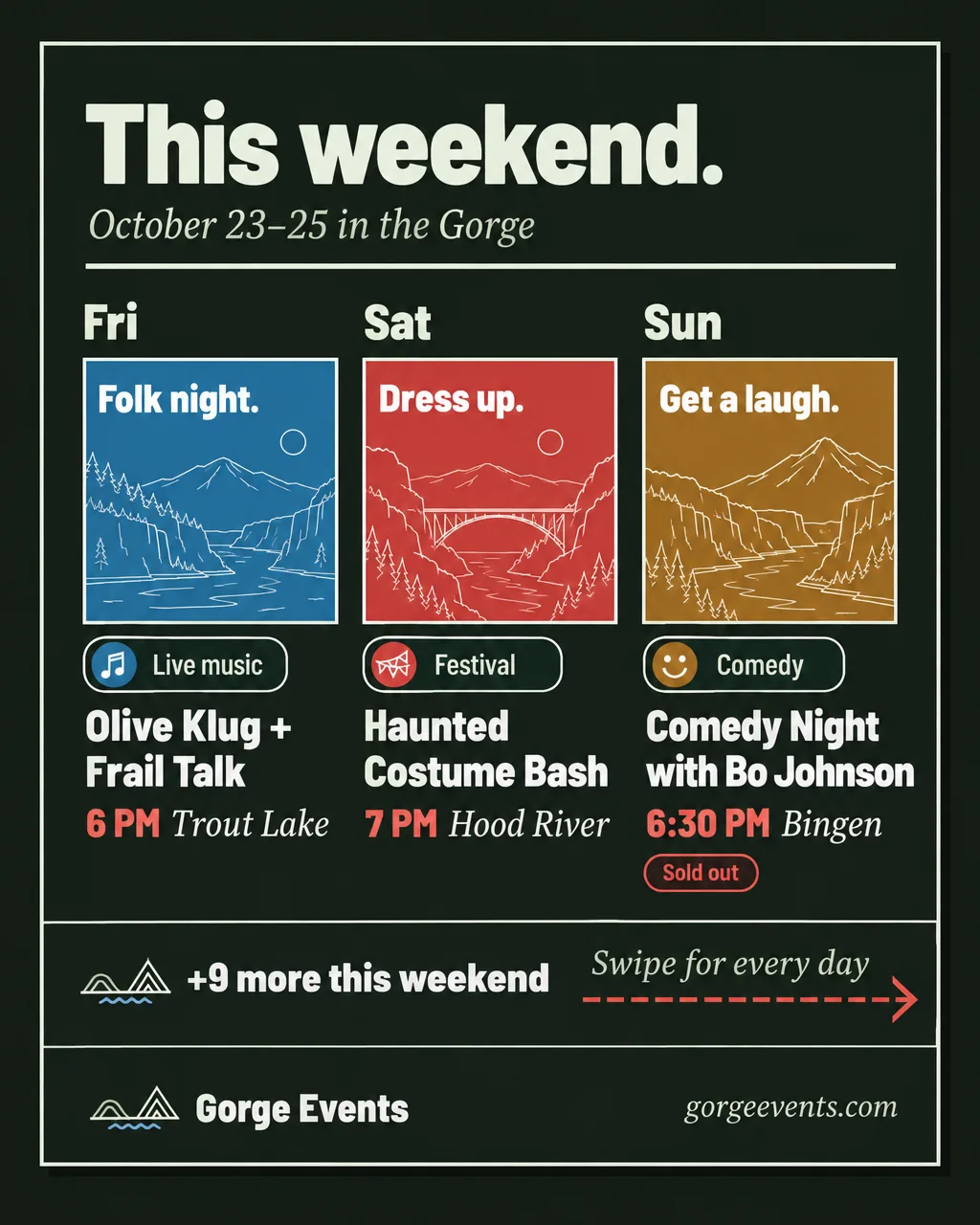
- Cover: the picks cover, one pick a day in a solid tile above the swipe band. The band carries the count, so there is no count cover.
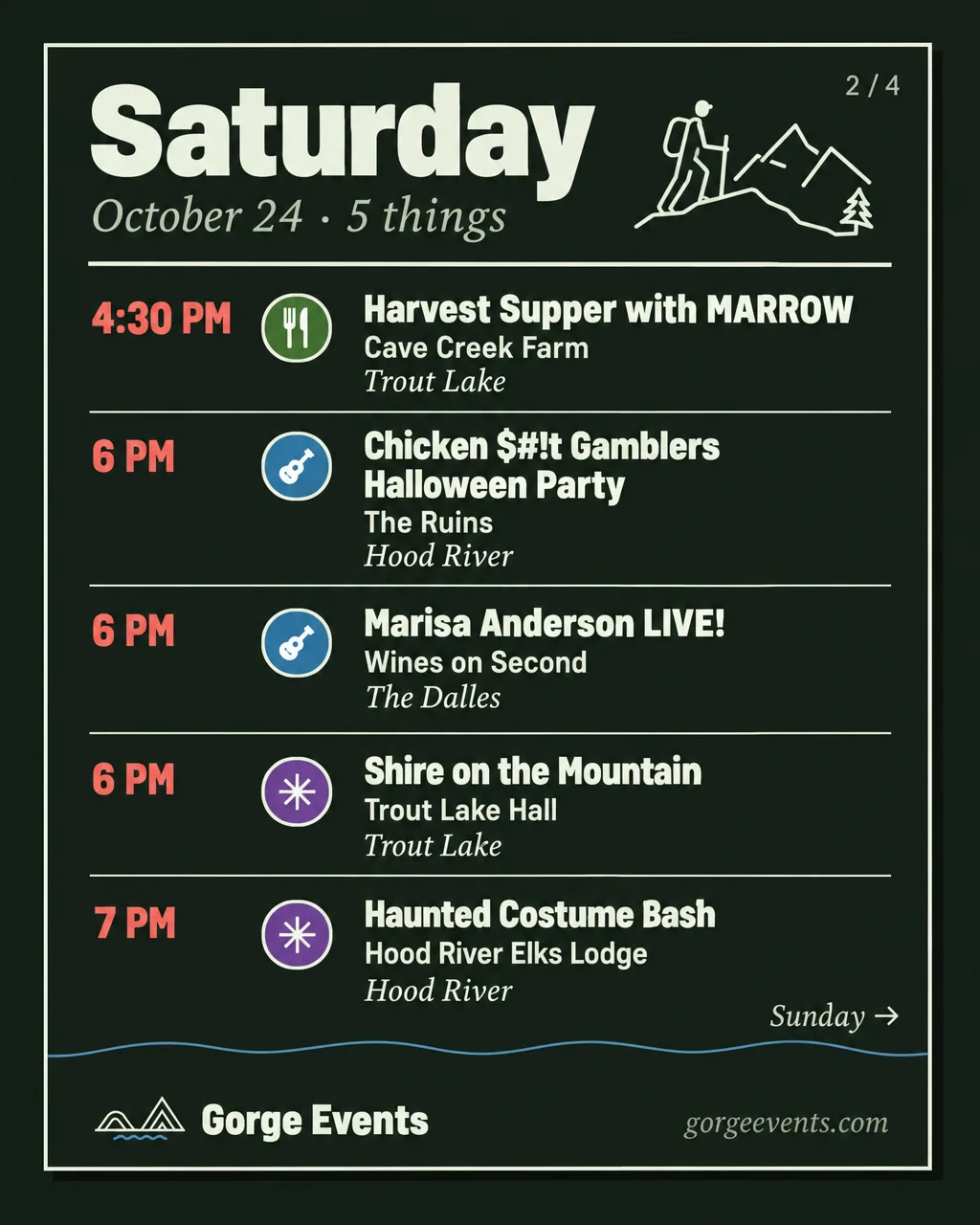
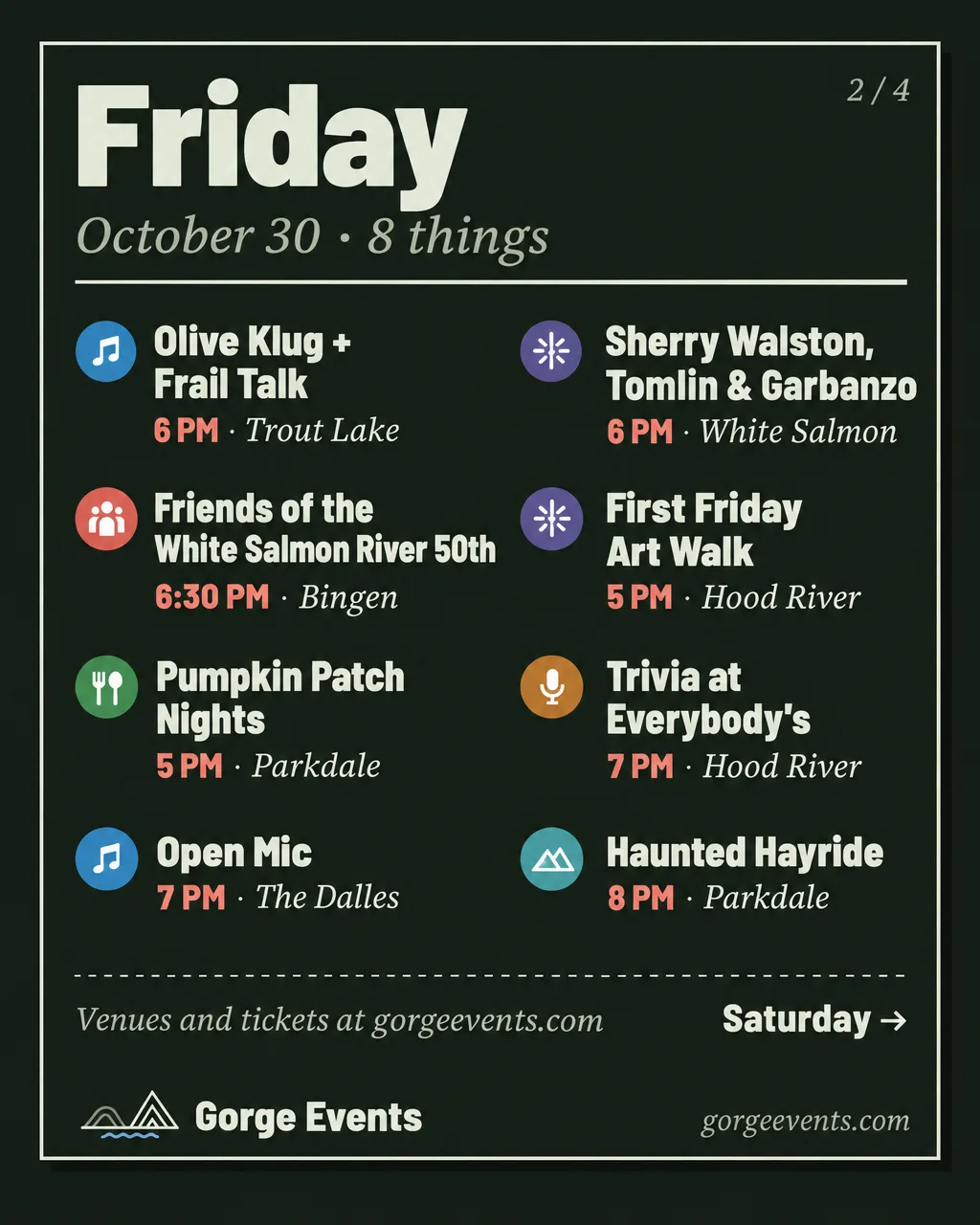
- One slide per day, Friday to Sunday: the day slide for up to 5 events, with venues; the long day slide for 6–8, venues dropped, in two columns. A day with 9+ splits across two slides, “Saturday, 1 of 2”.
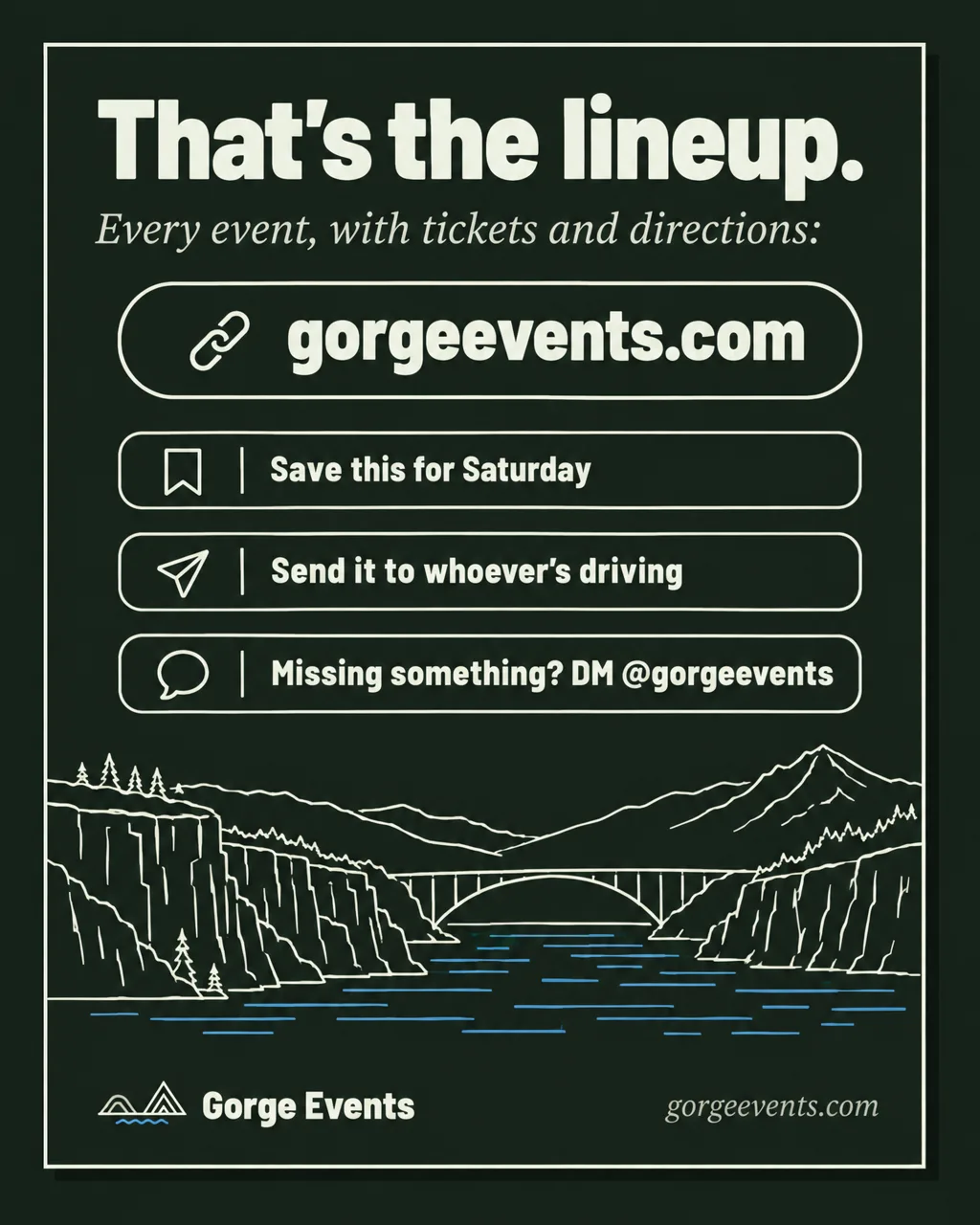
- Then the closing slide. Ten slides is Instagram’s limit; a weekend never comes close. Nothing else goes between the cover and the closing: the day slides carry the towns and the times.
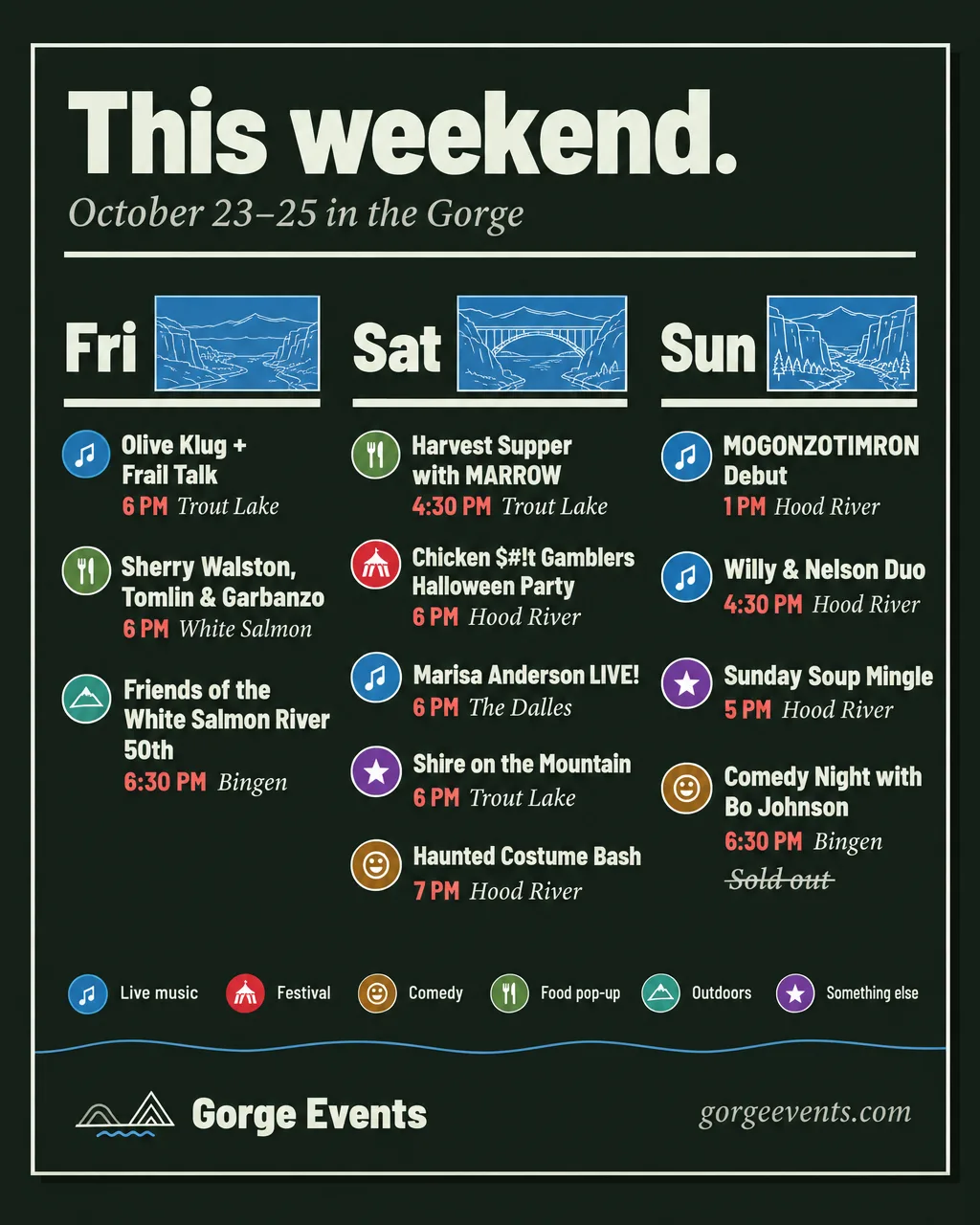
At a glance
4–9 events. One image, no tiles, no venues.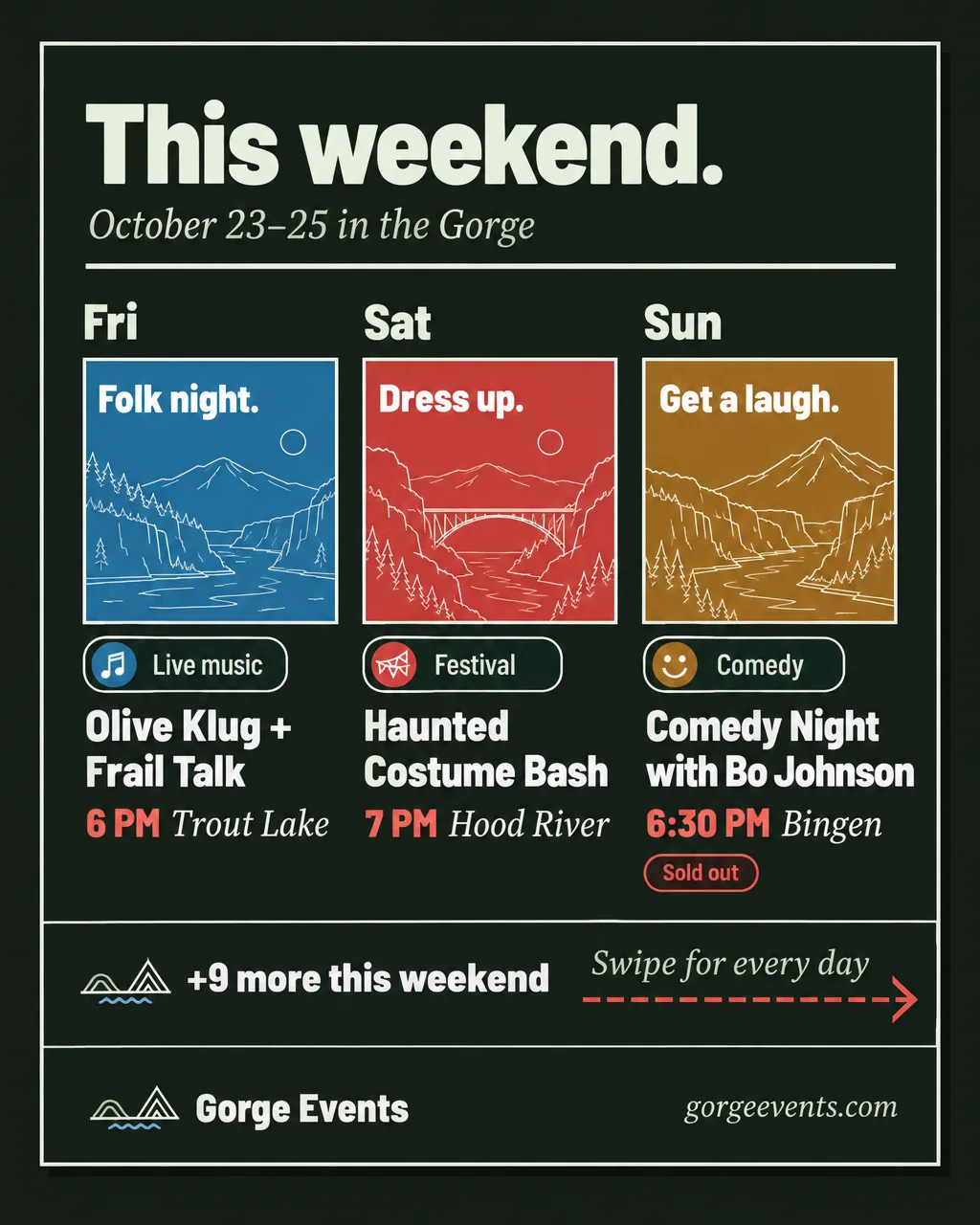
Picks cover
Carousel slide 1: a pick a day and the swipe band.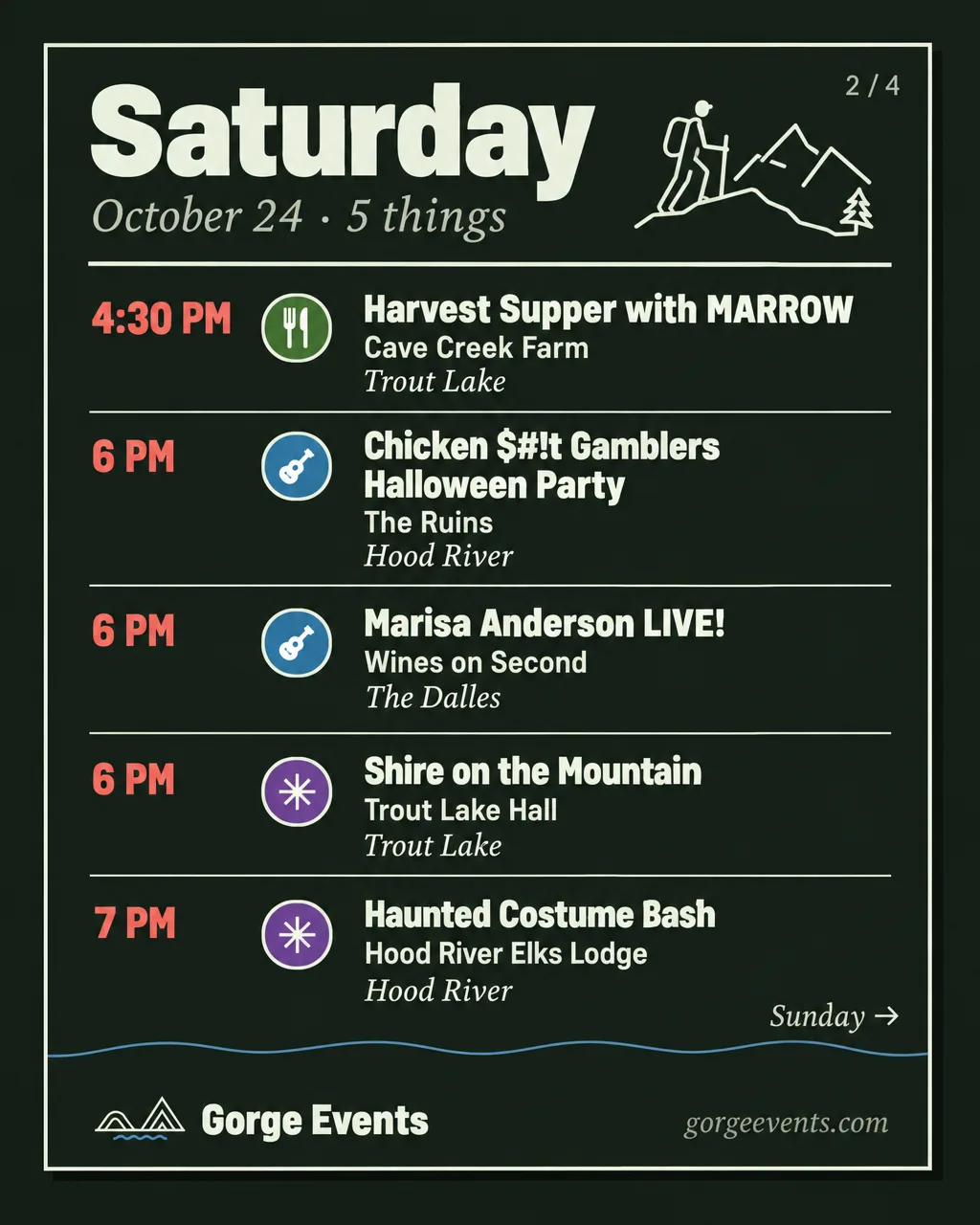
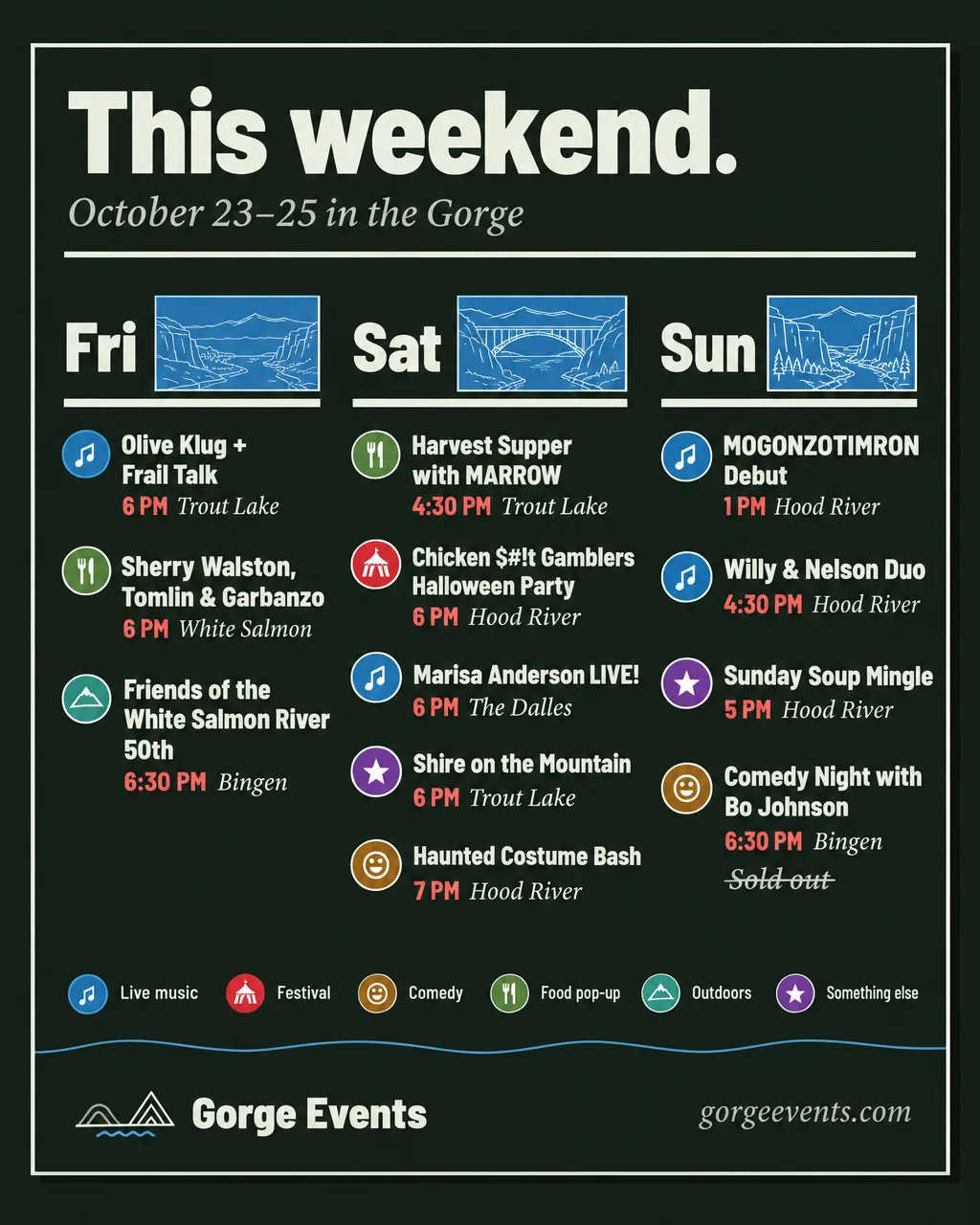
Day slide
Up to 5 events, with venues.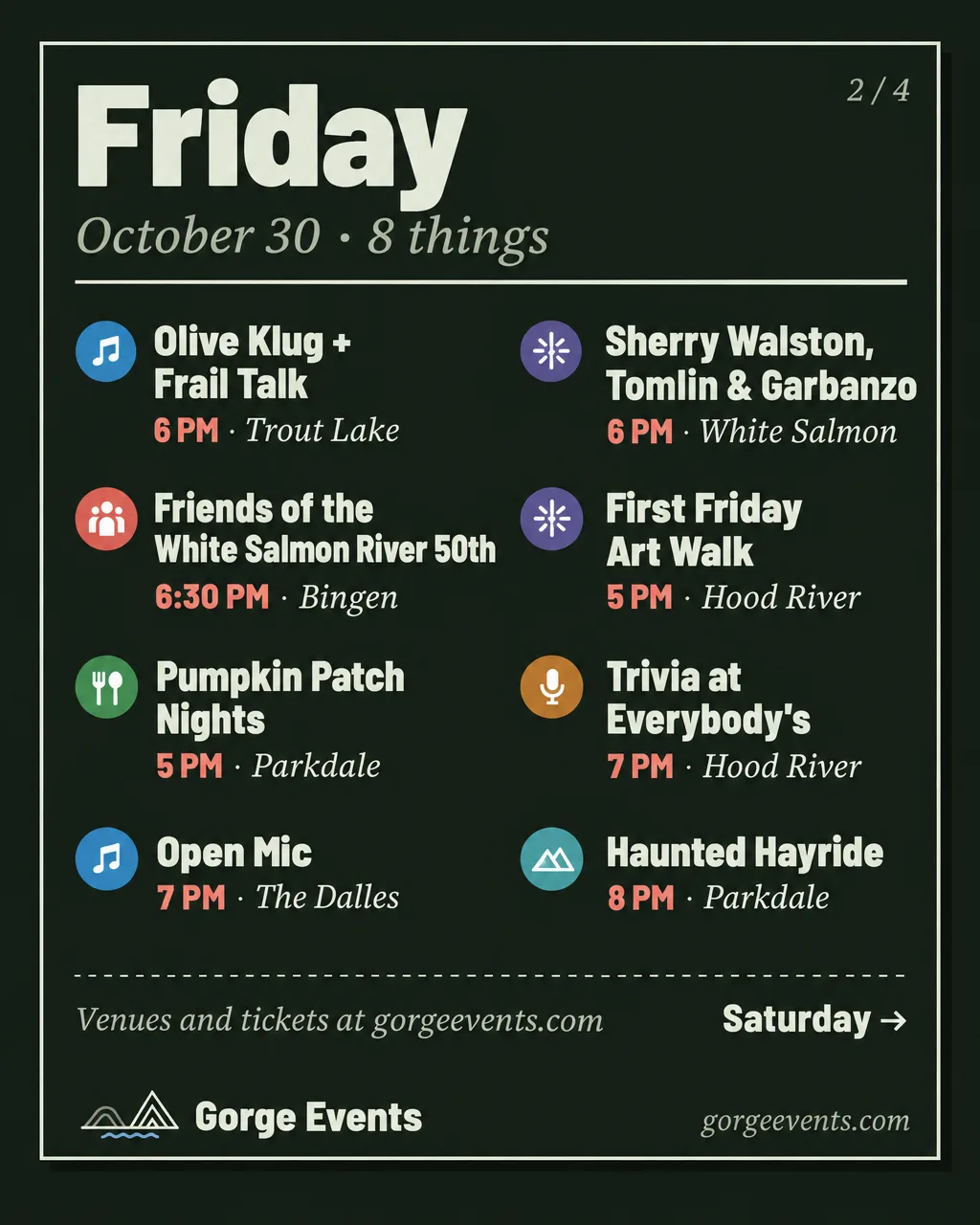
Long day slide
6–8 events, venues dropped.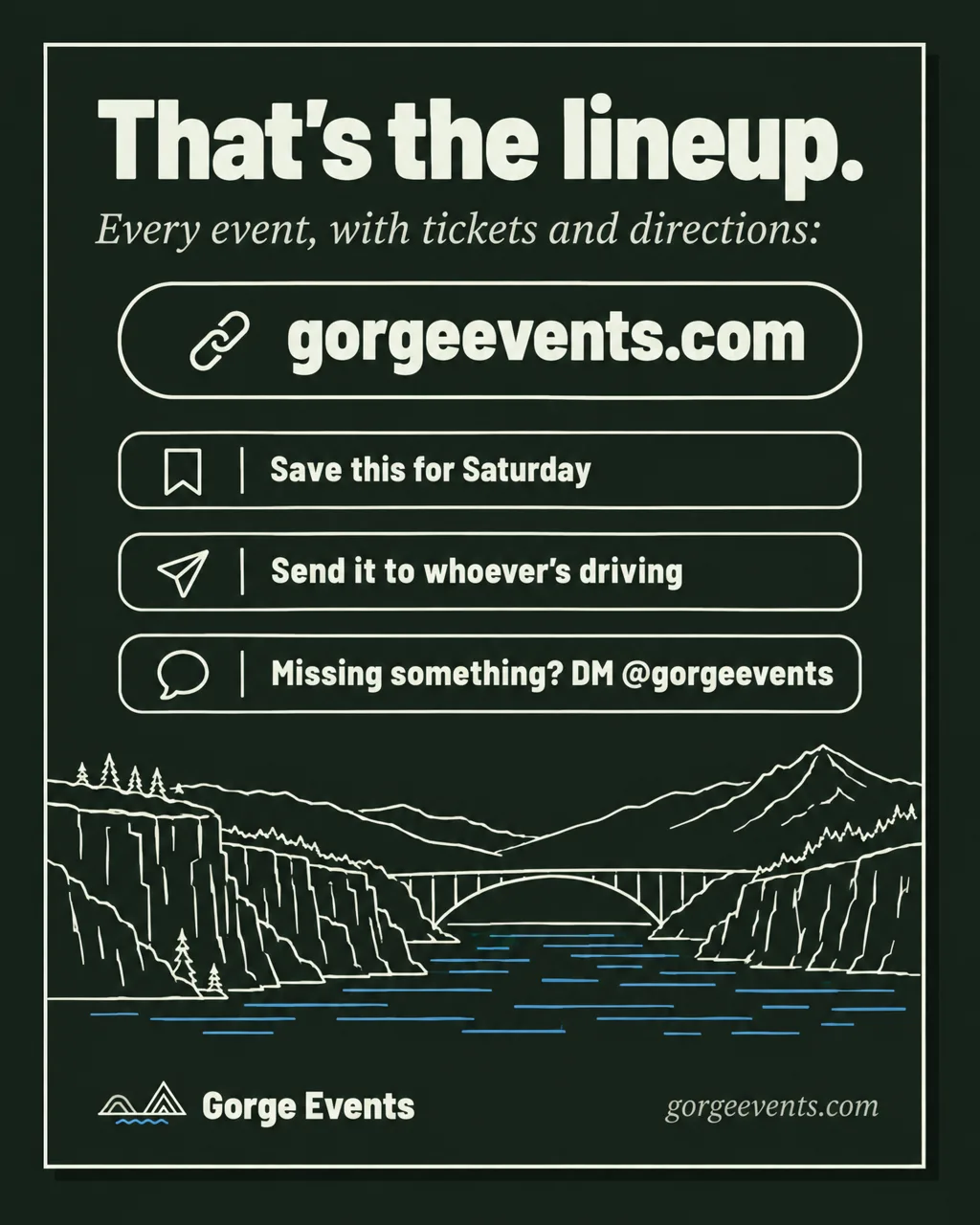
Closing slide
The last slide of every carousel.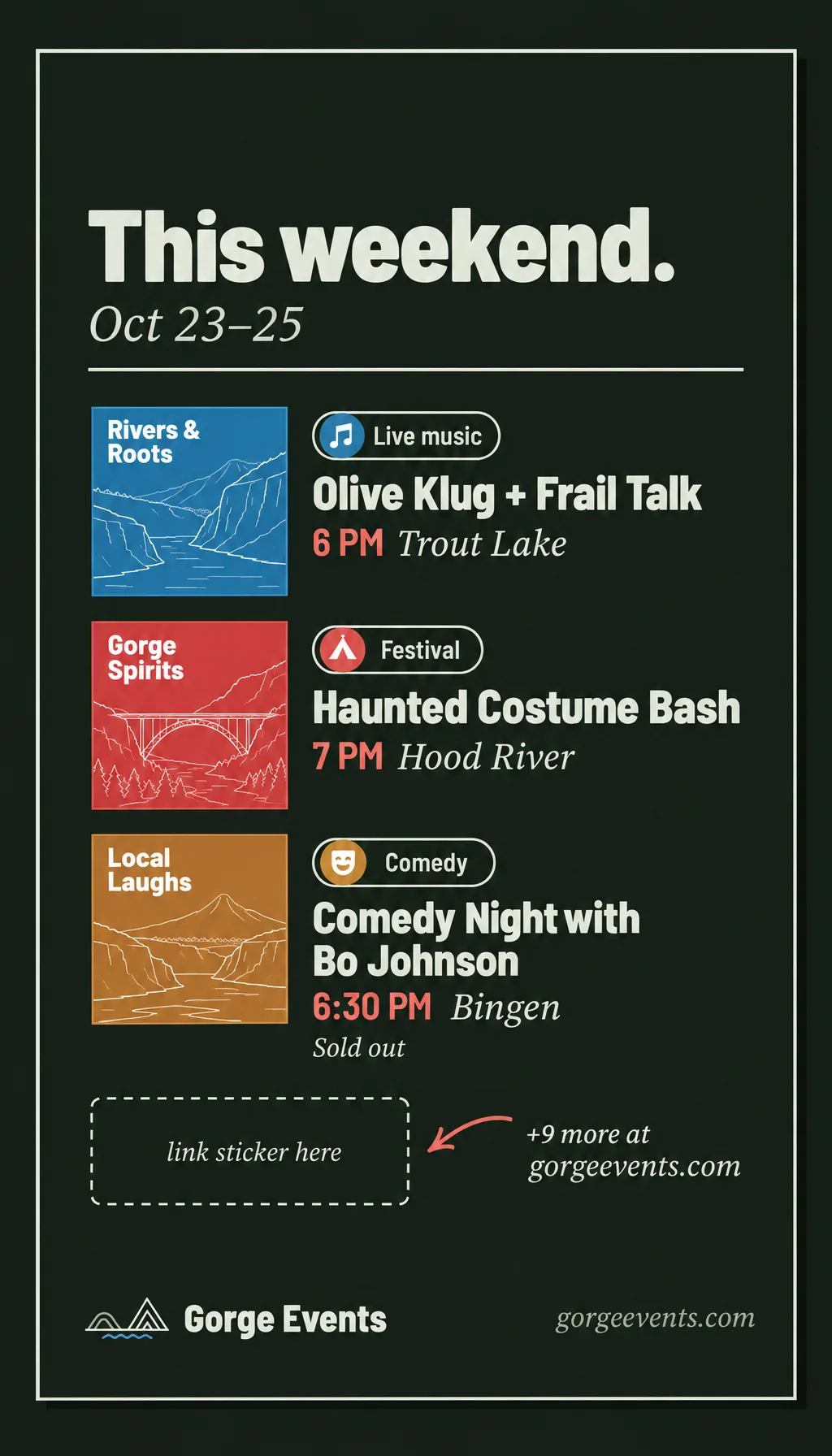
Story
Every roundup, the same day, with a link sticker.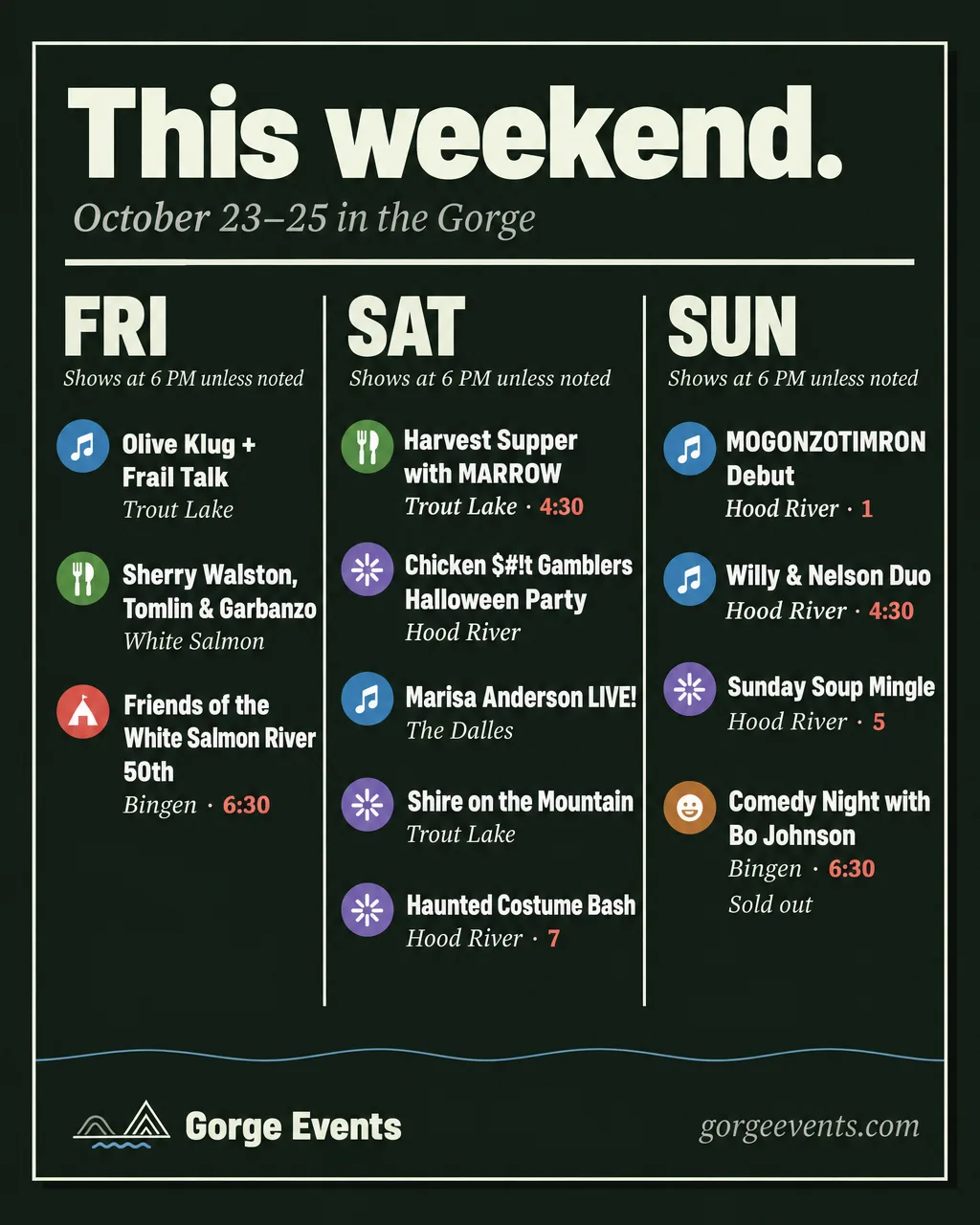
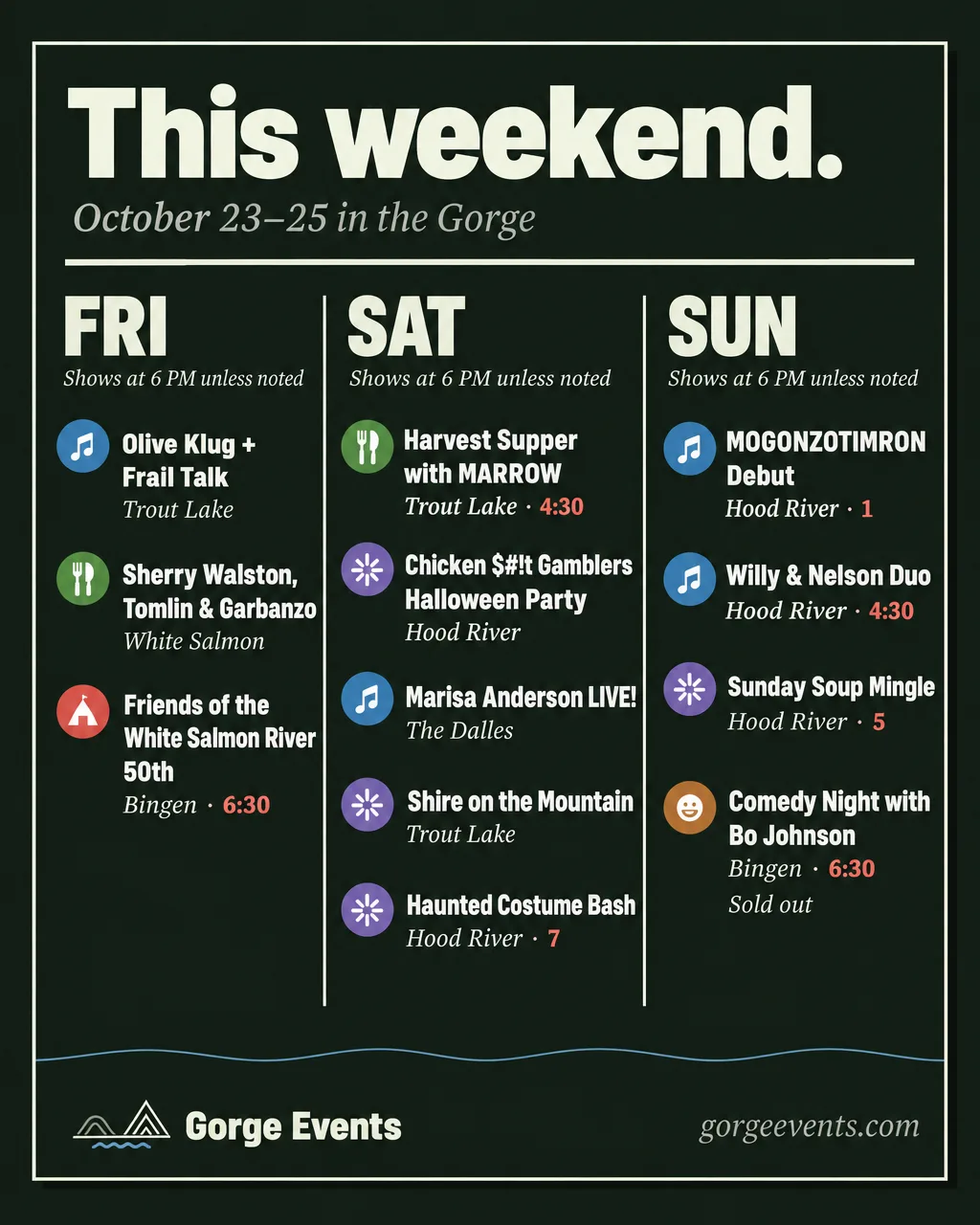
Don’t: shared times
“6 PM unless noted” leaves a bare “4:30” and “1”.
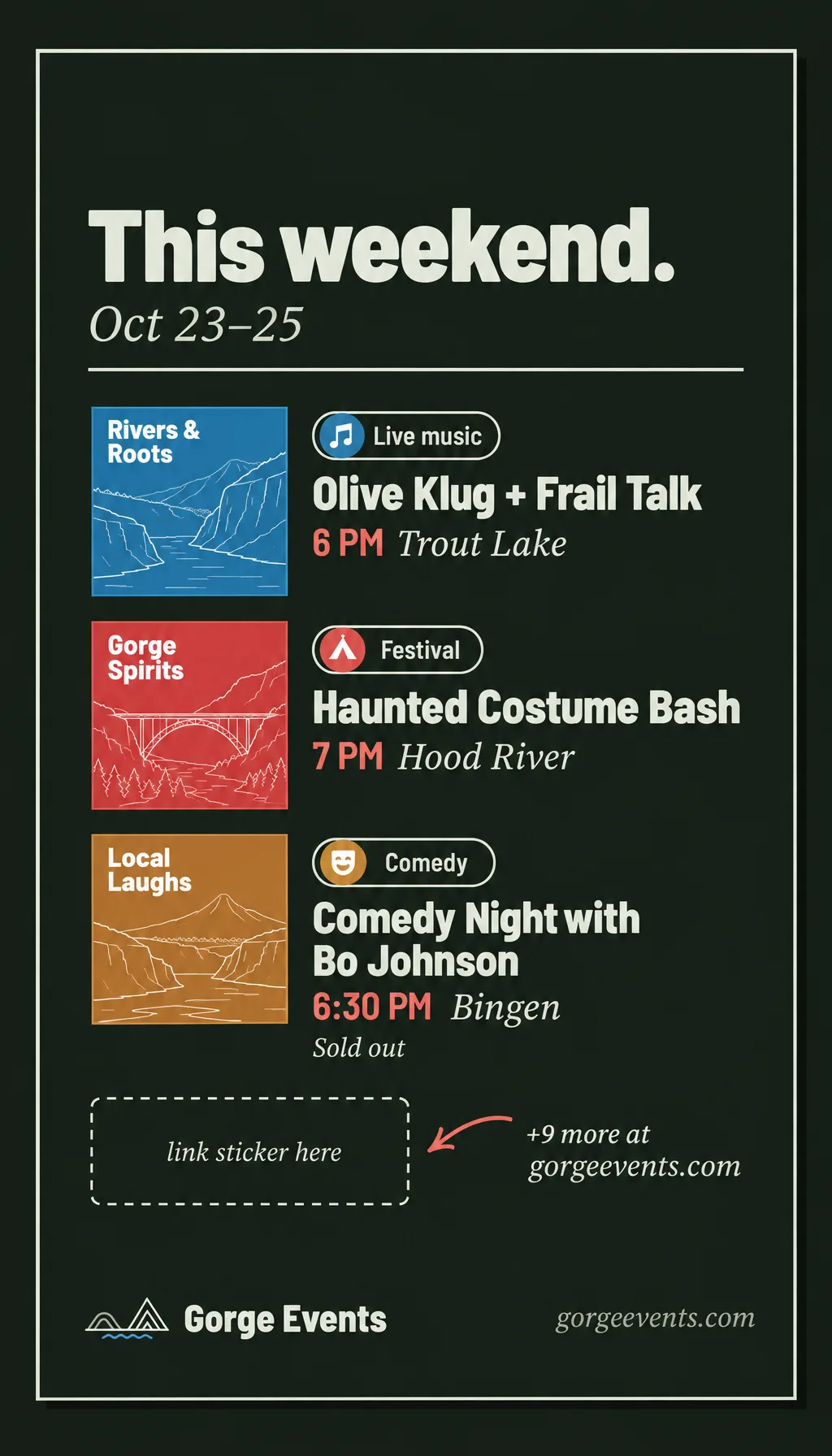
Every roundup gets a Story the same day: the three picks, a link sticker to gorgeevents.com, and “+N more”. Keep the top 250px and bottom 340px of the 1080 × 1920 frame clear.
The week aheadMonday morning.
- 0–2 eventsA quiet weekOne image
- 3–5 eventsThe week ahead, the kit’s week postOne image
- 6–16 events, at most 4 a dayWeek ledgerOne image
- 17+ events, or any day with 5+Week carousel: picks cover, a day slide for each day with 3+, closing3–9
- When a week post and a weekend post both run, the week post leads with Monday to Thursday picks and the weekend post carries Friday to Sunday.
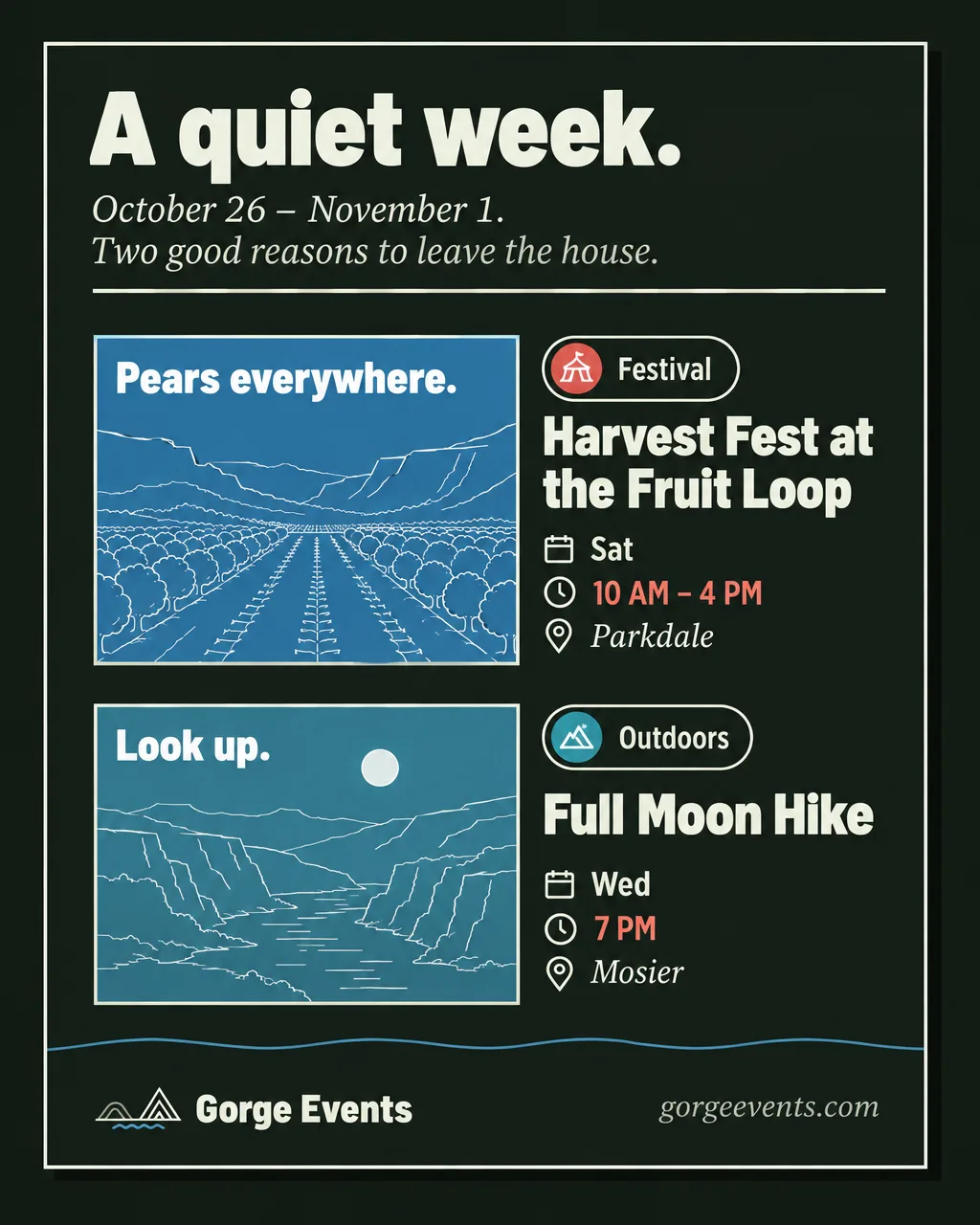
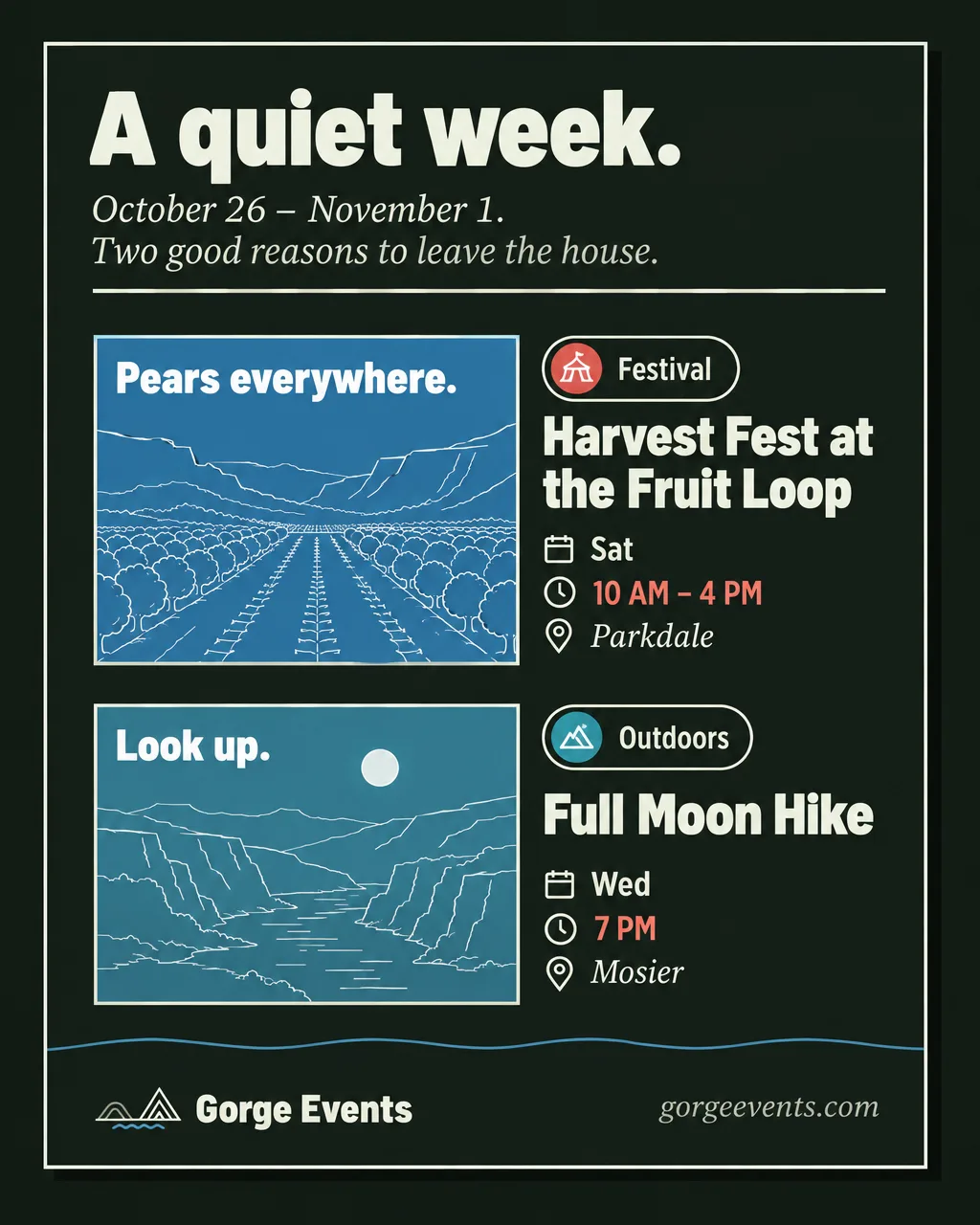
A quiet week
0–2 events, made generous.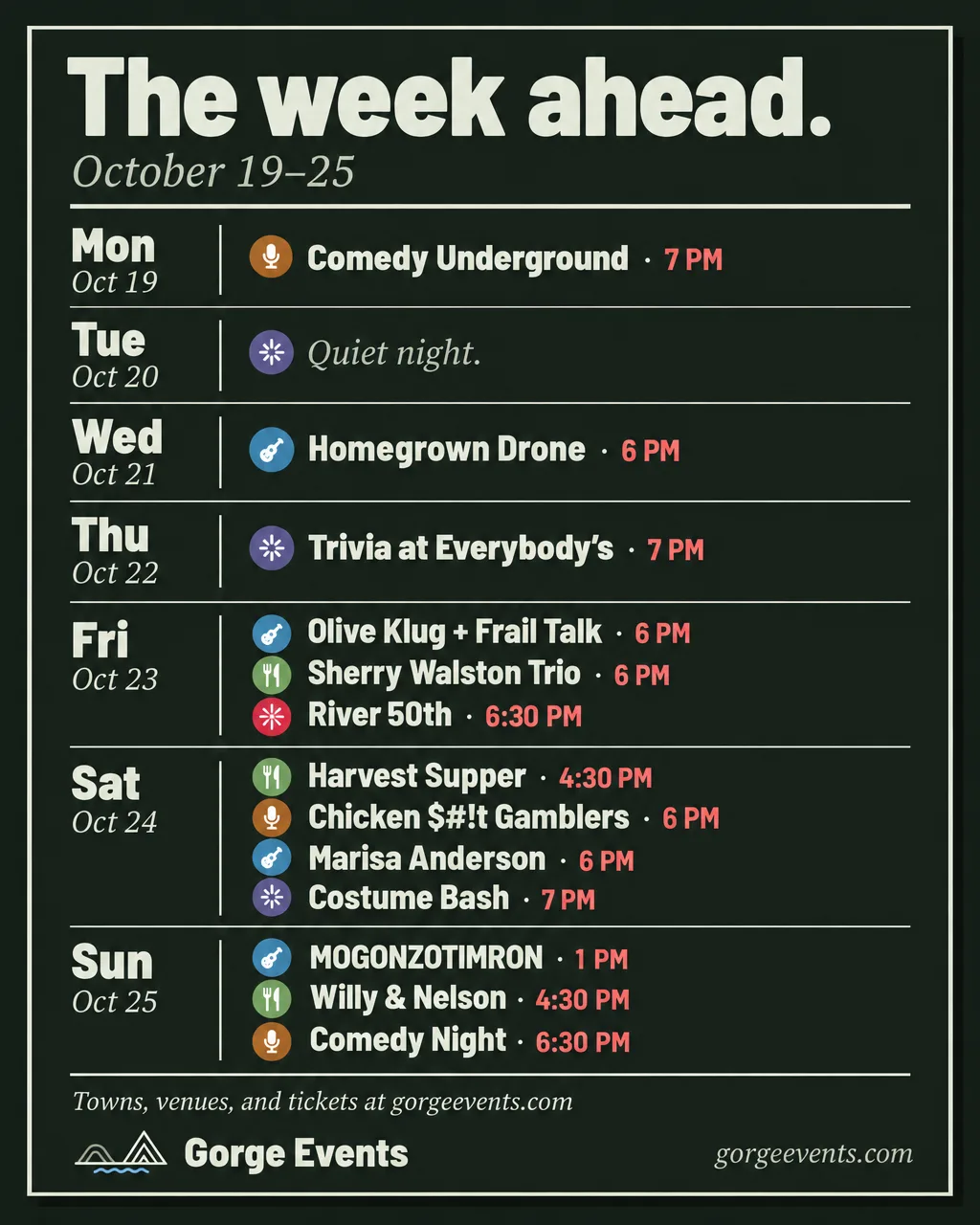
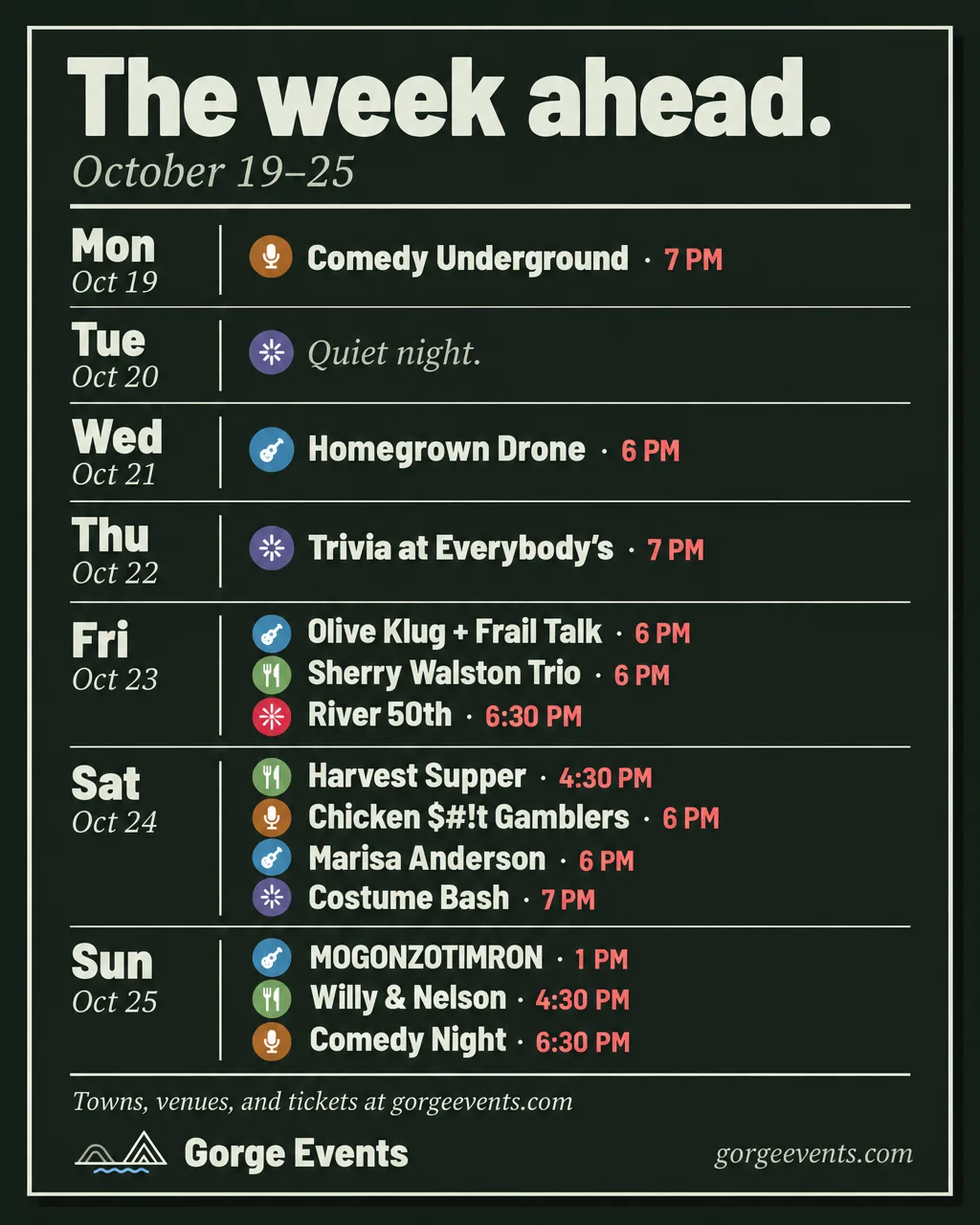
Ledger
6–16 events. Text only, a row a day.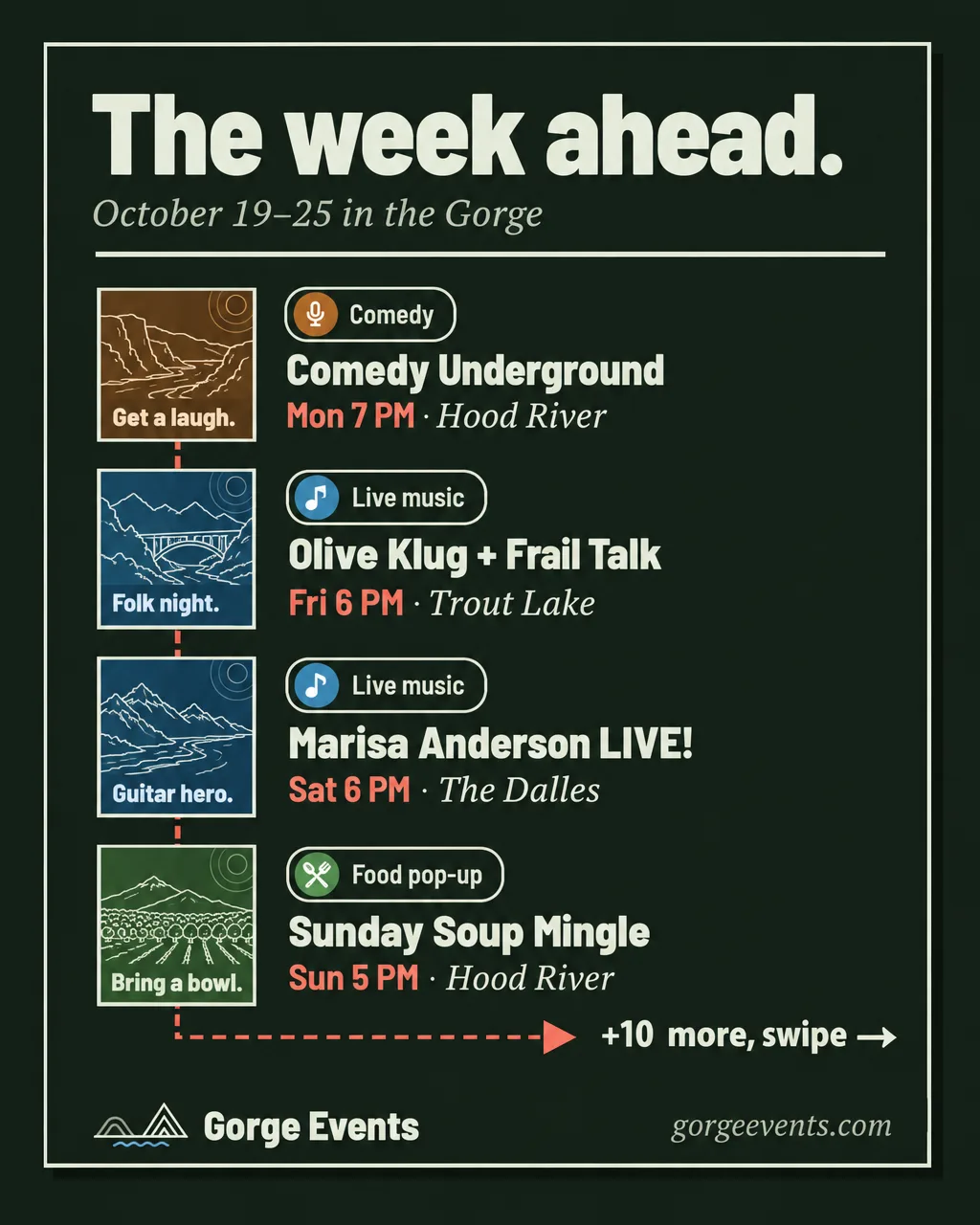
Picks cover
17+ events. Four picks down the trail.
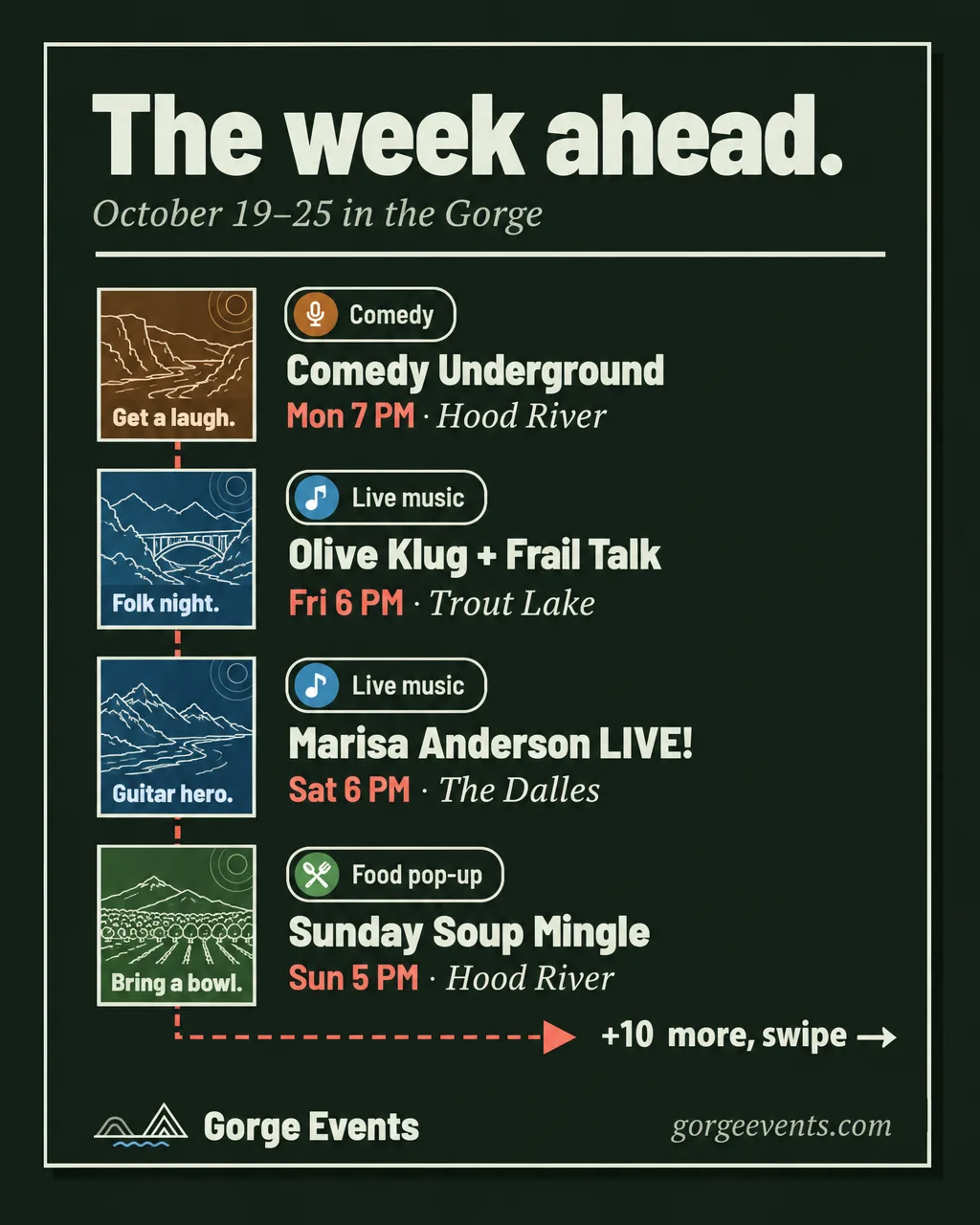
One eventA show worth planning around.
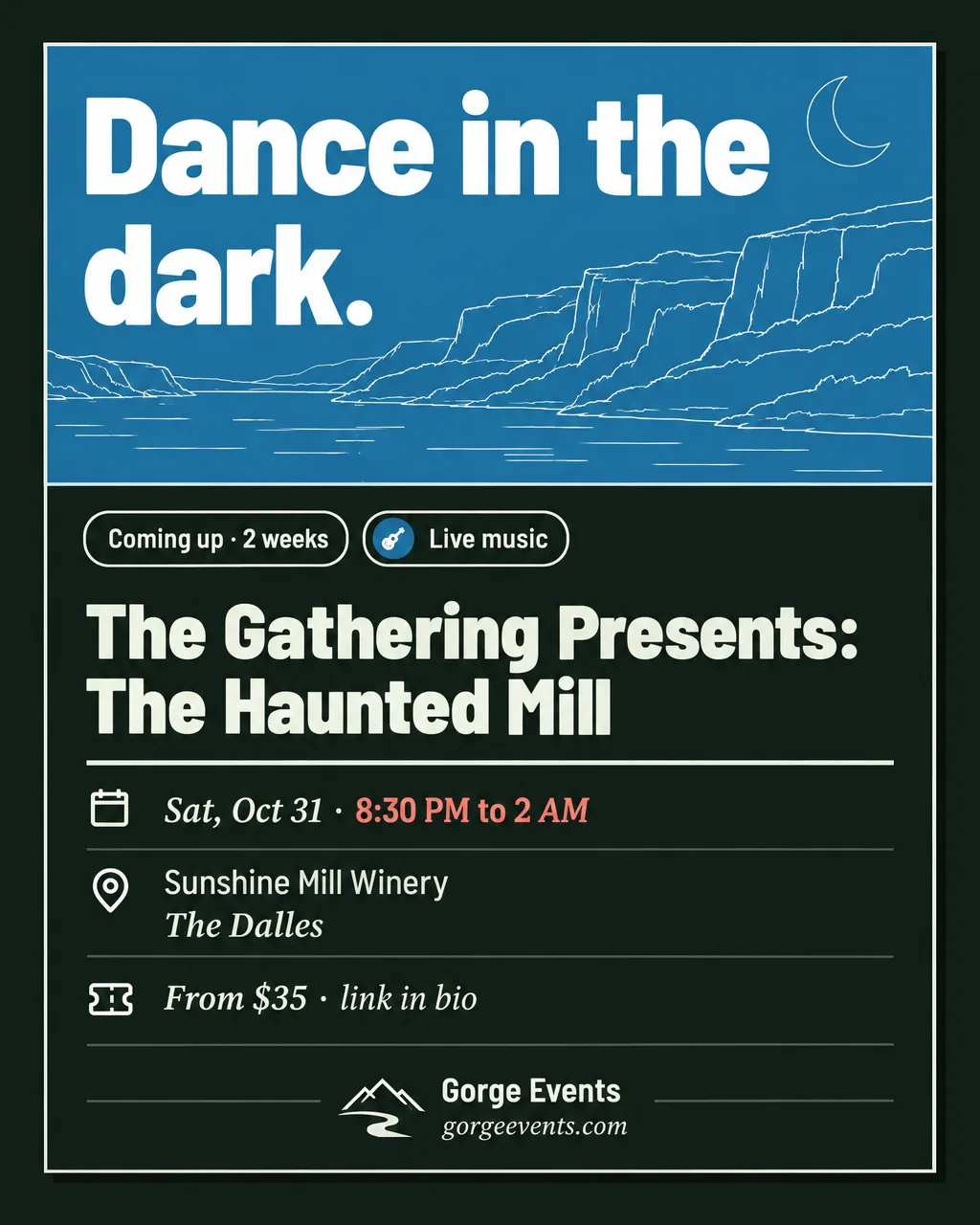
- Two or three weeks out, then one week outComing upOne image
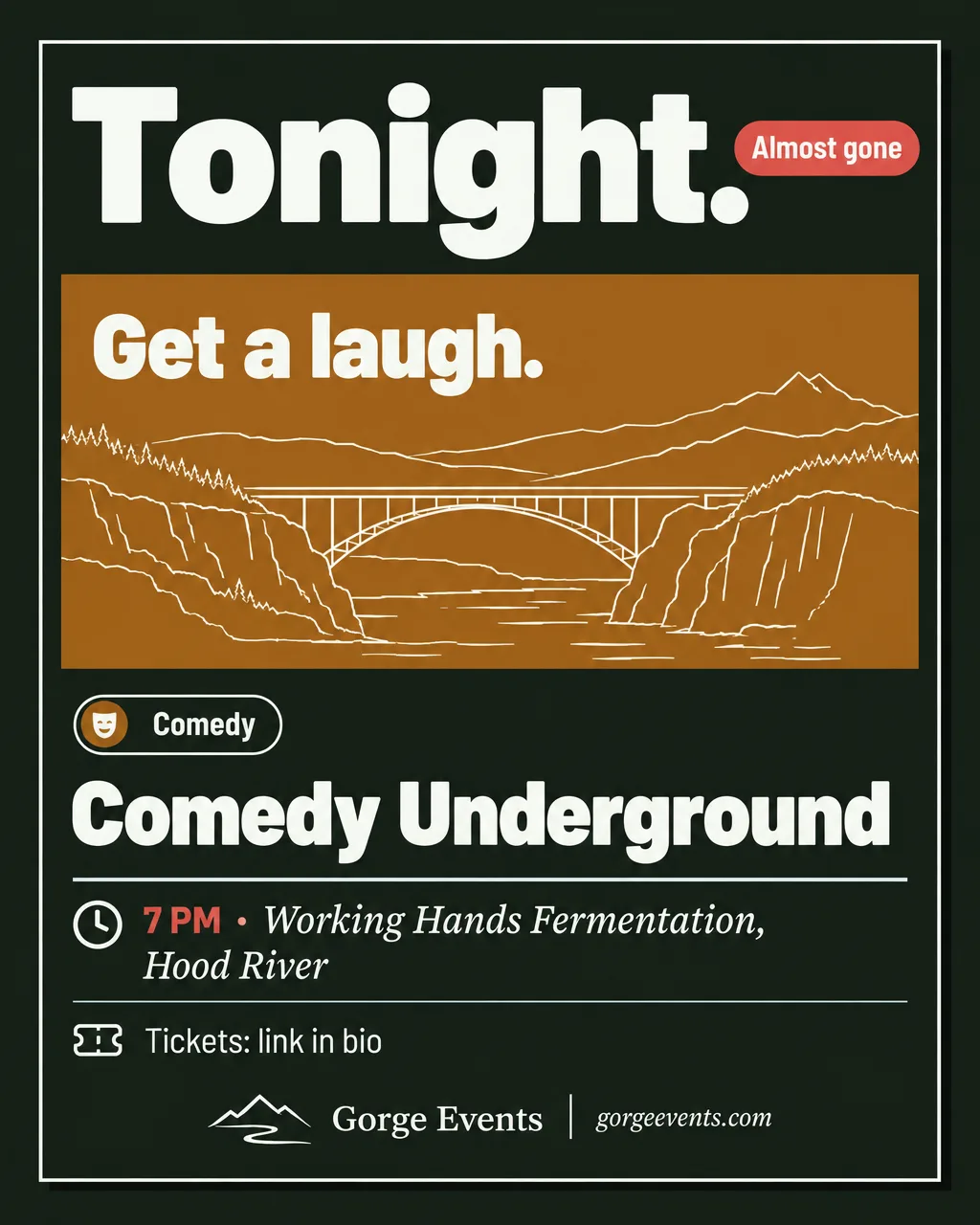
- The day before or the day ofTonight or Tomorrow, plus a Story with a link stickerOne image
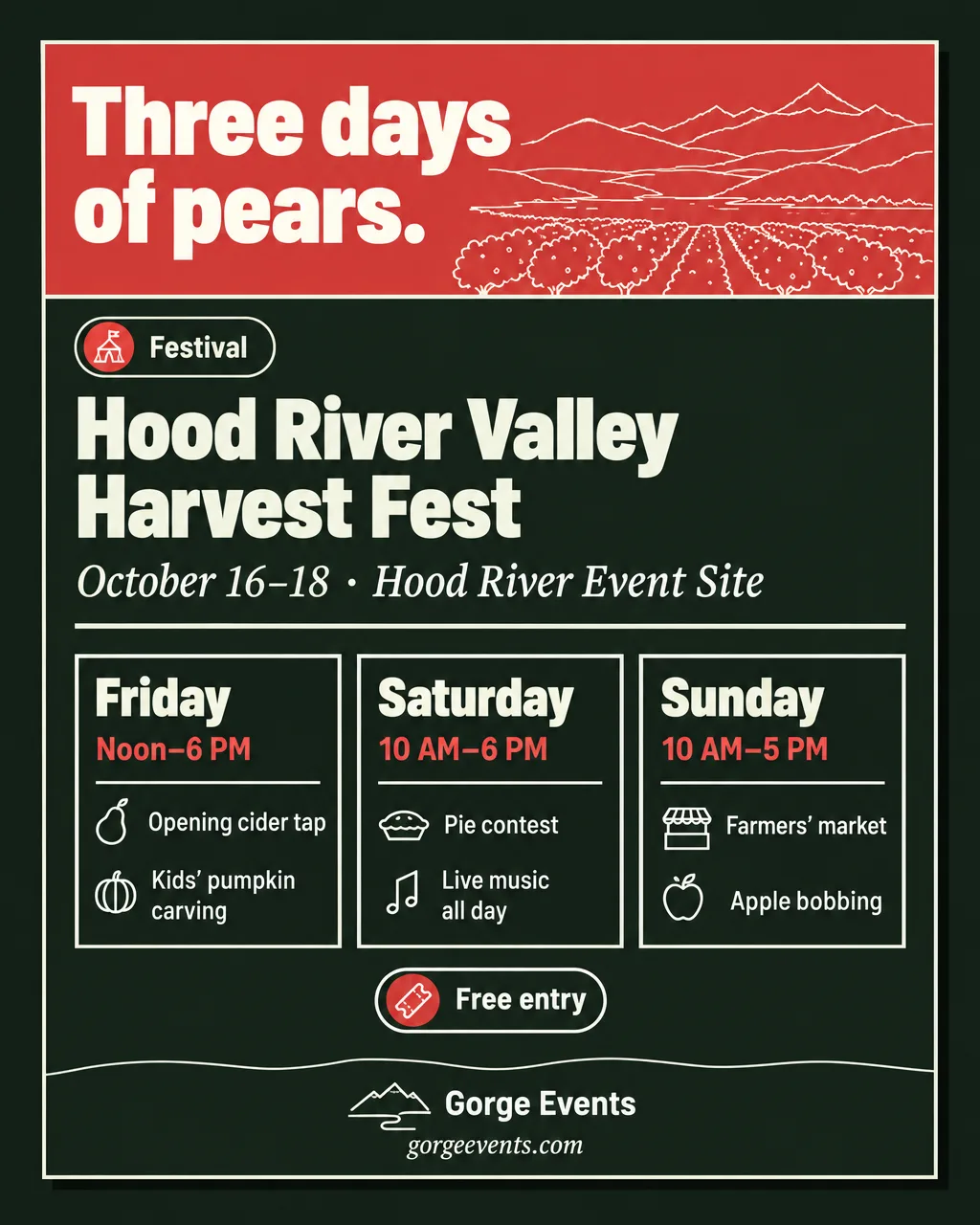
- Runs 2–4 days with a daily scheduleFestivalOne image
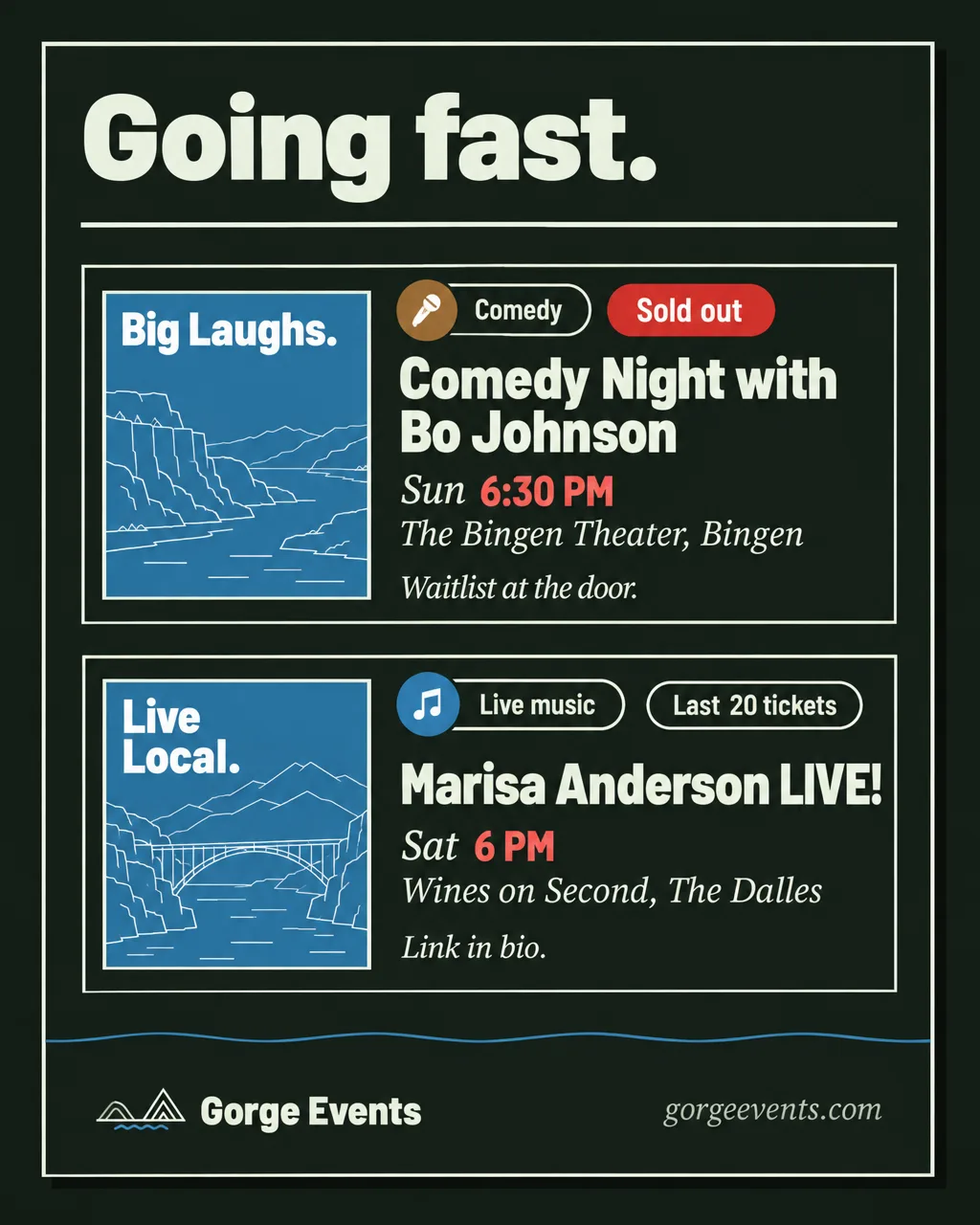
- Sold out or nearly gone, already postedGoing fast, two events at mostOne image
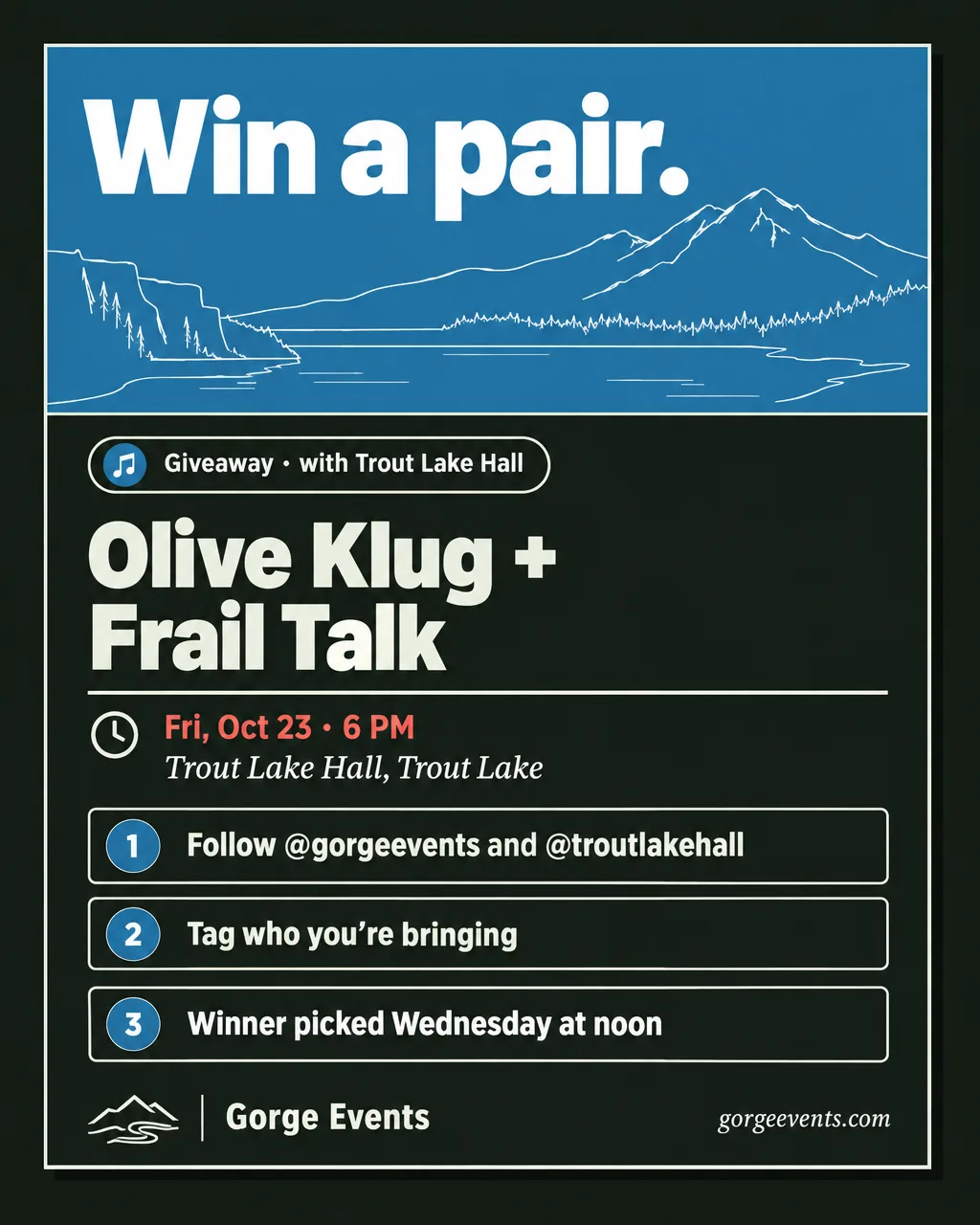
- An organizer traded a pair of tickets for a collab postGiveawayOne image
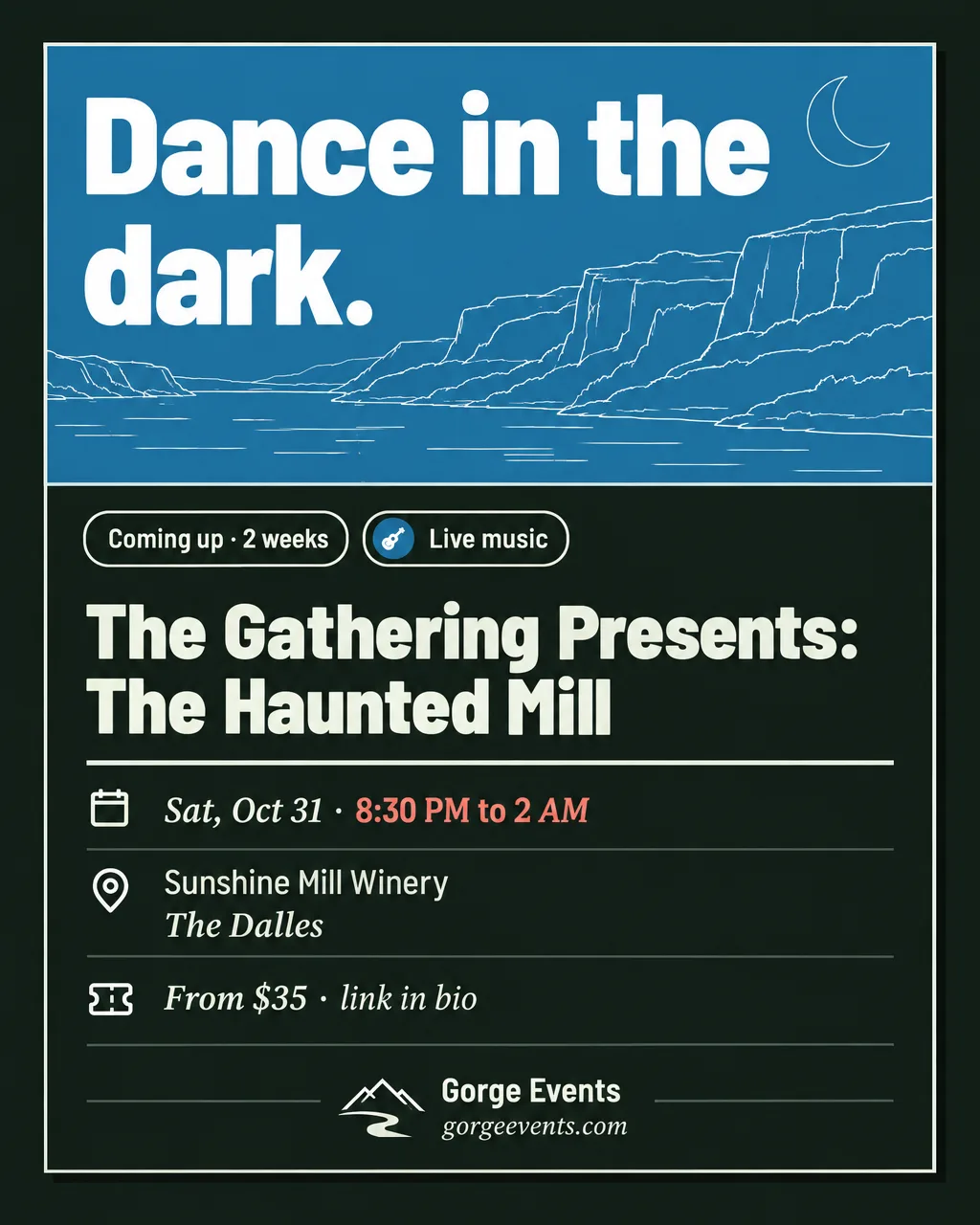
Coming up
The tile blown up, facts below.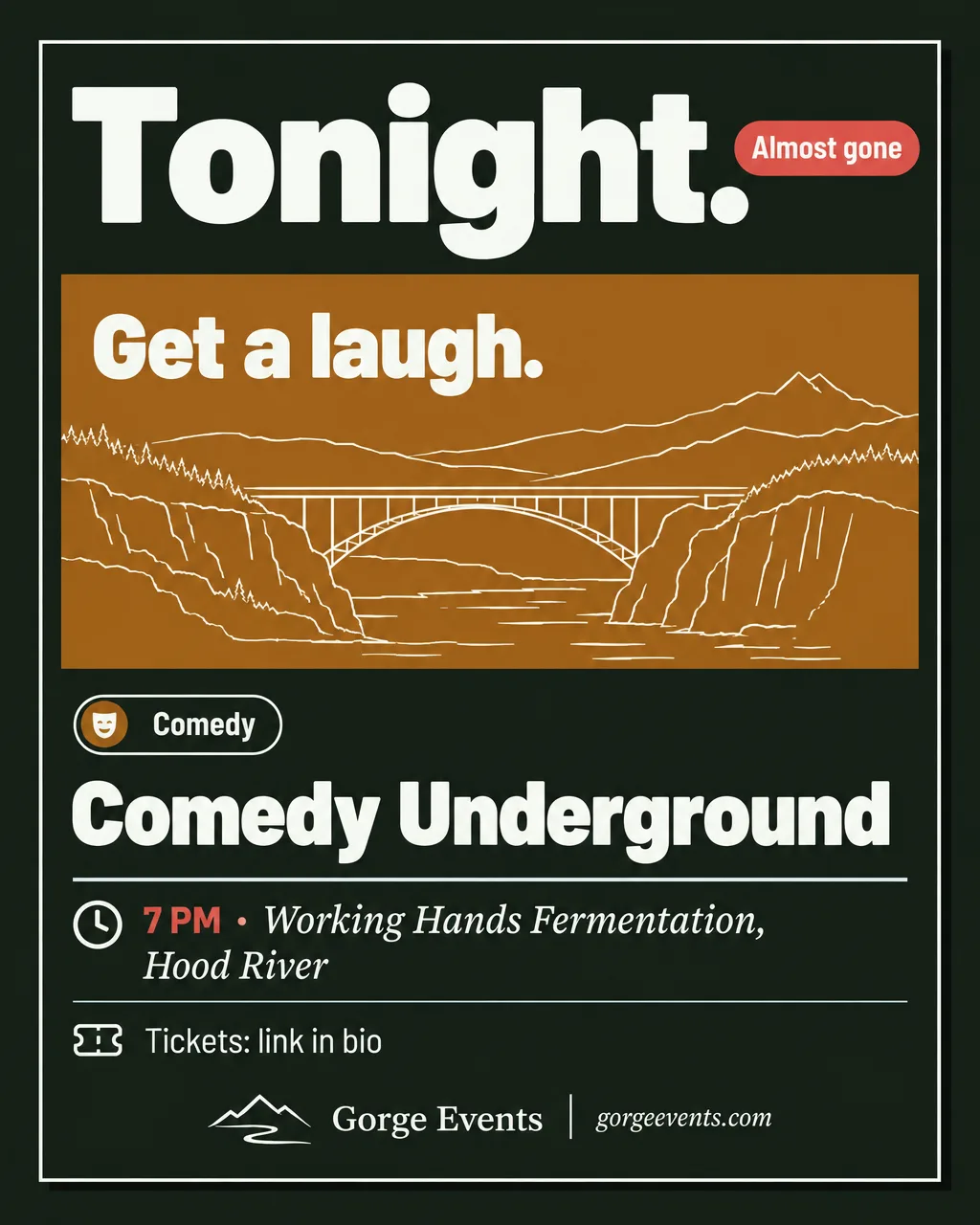
Tonight
The day before or the day of.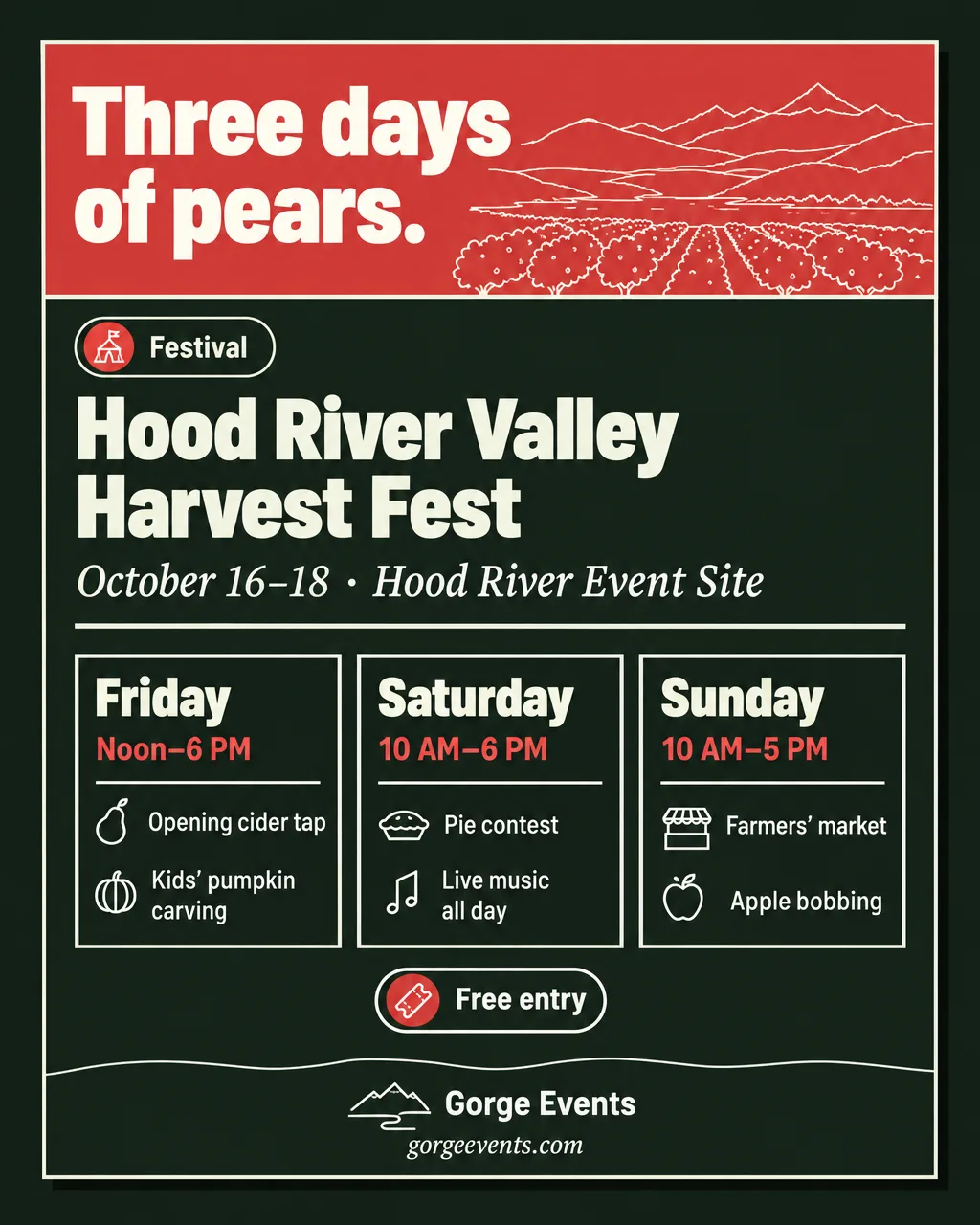
Festival
A framed card per day.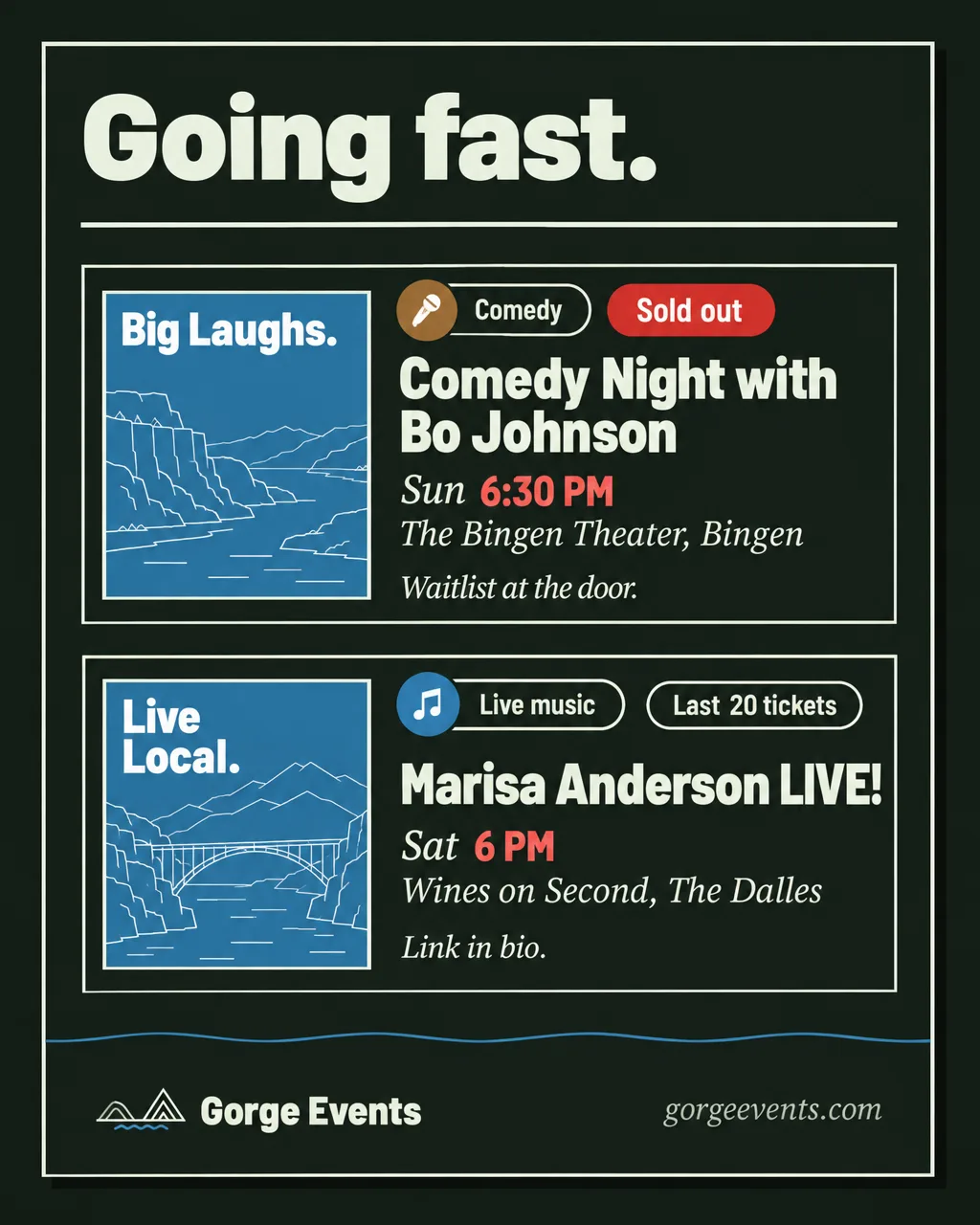
Going fast
Status pills on posted events.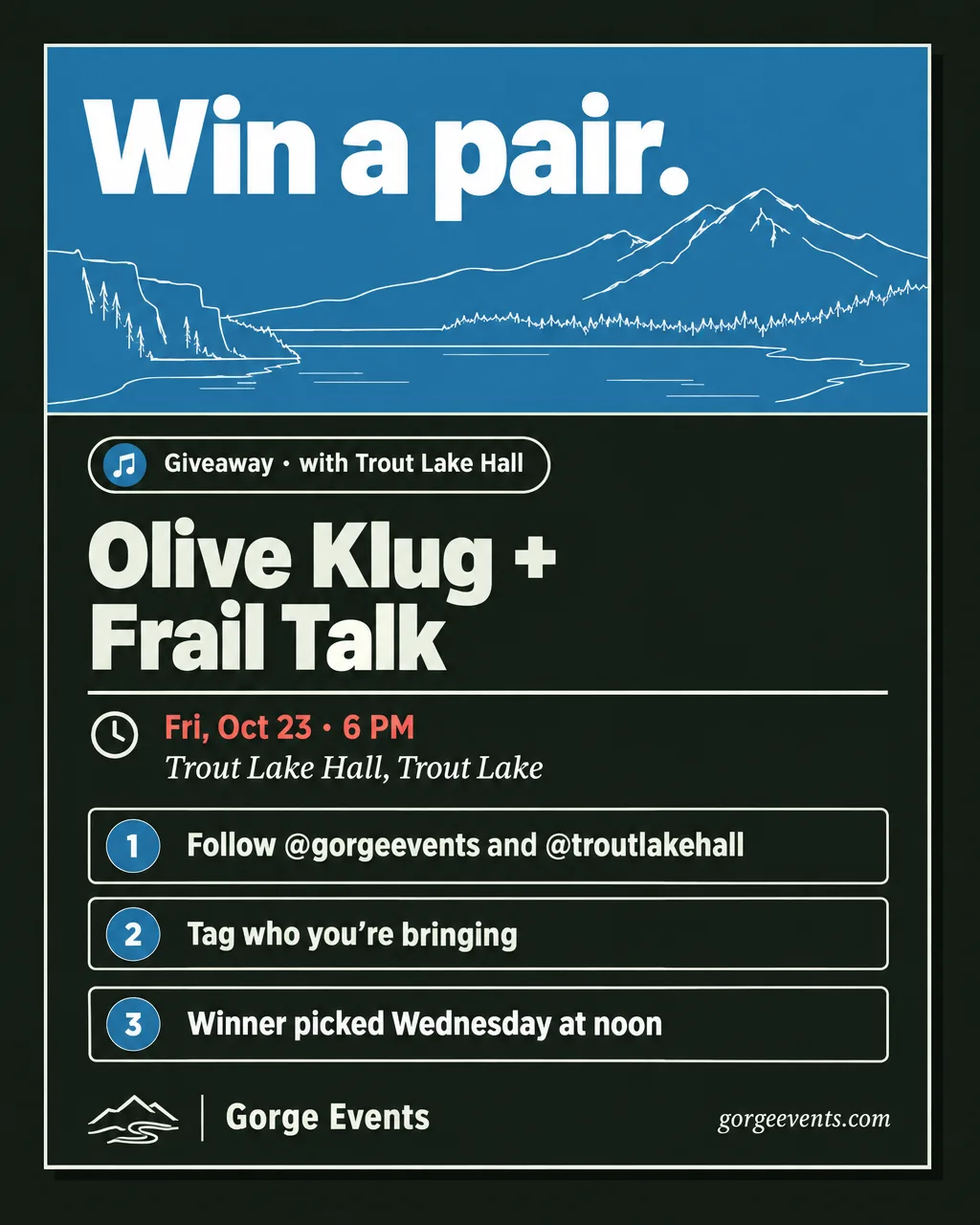
Giveaway
Three numbered steps.
Themed roundupsOptional, one a week at most.
Never in place of the weekend post.
- 5+ events in one category in a weekendCategoryOne image
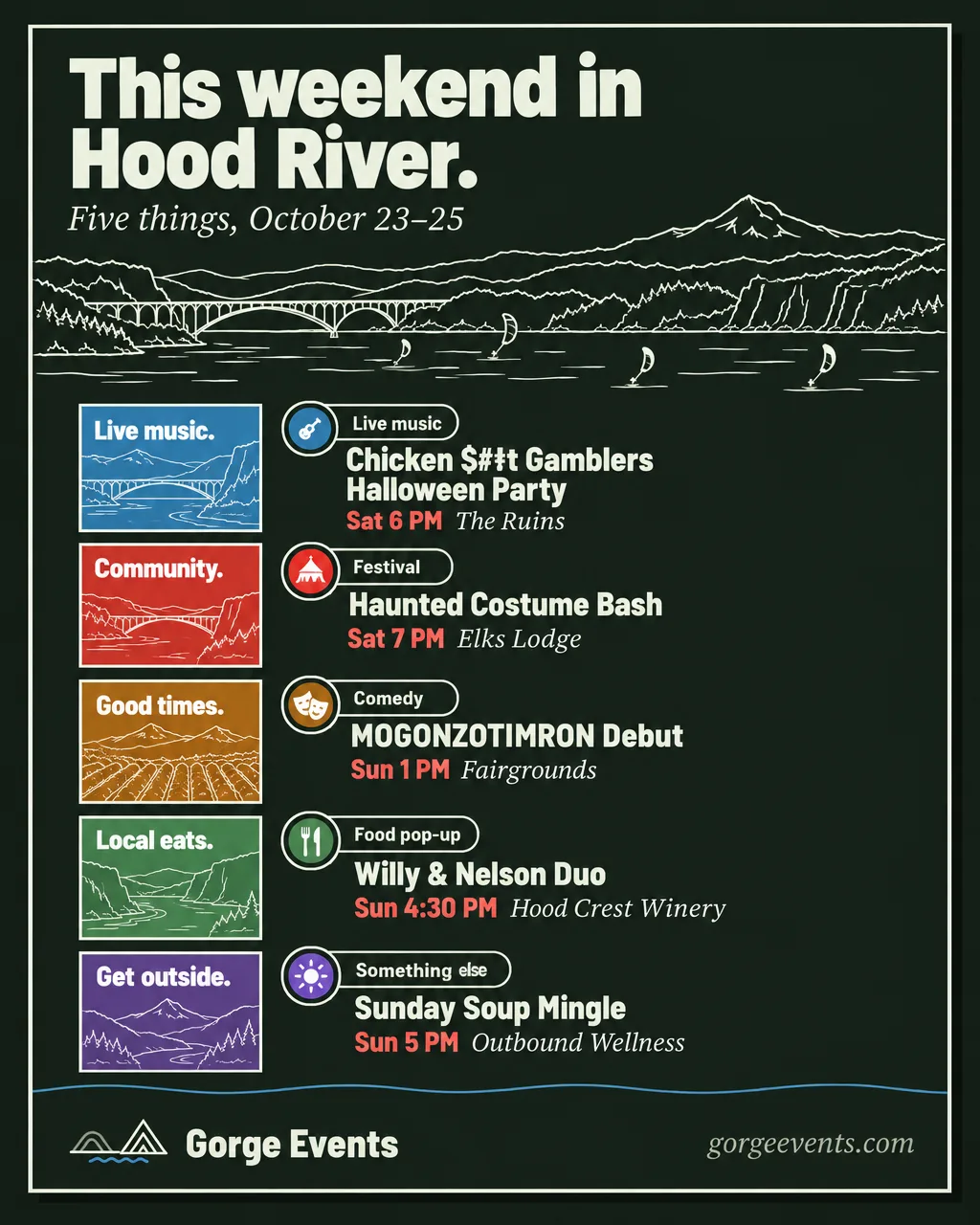
- 5+ events in one townTownOne image
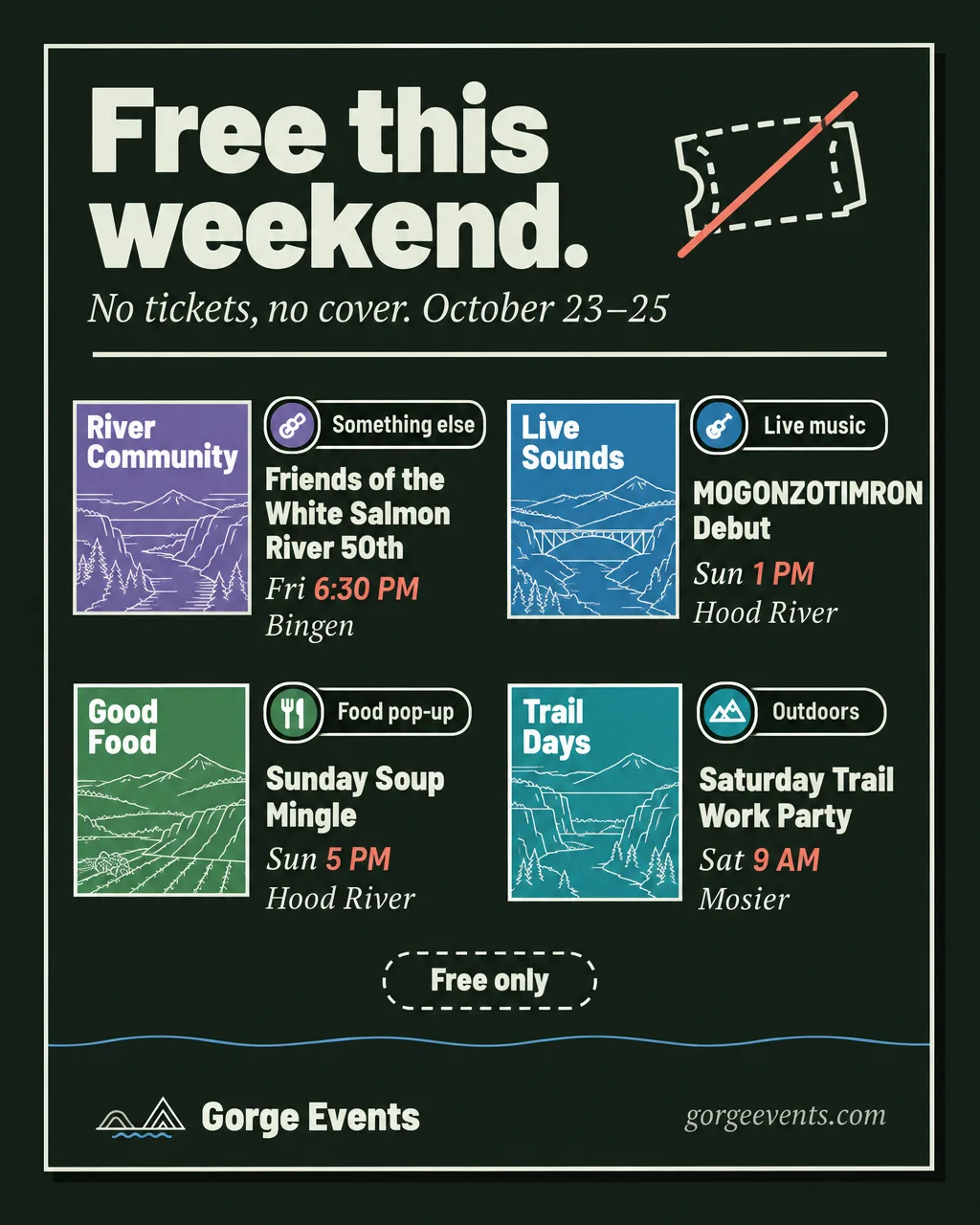
- 4+ free eventsFree this weekendOne image
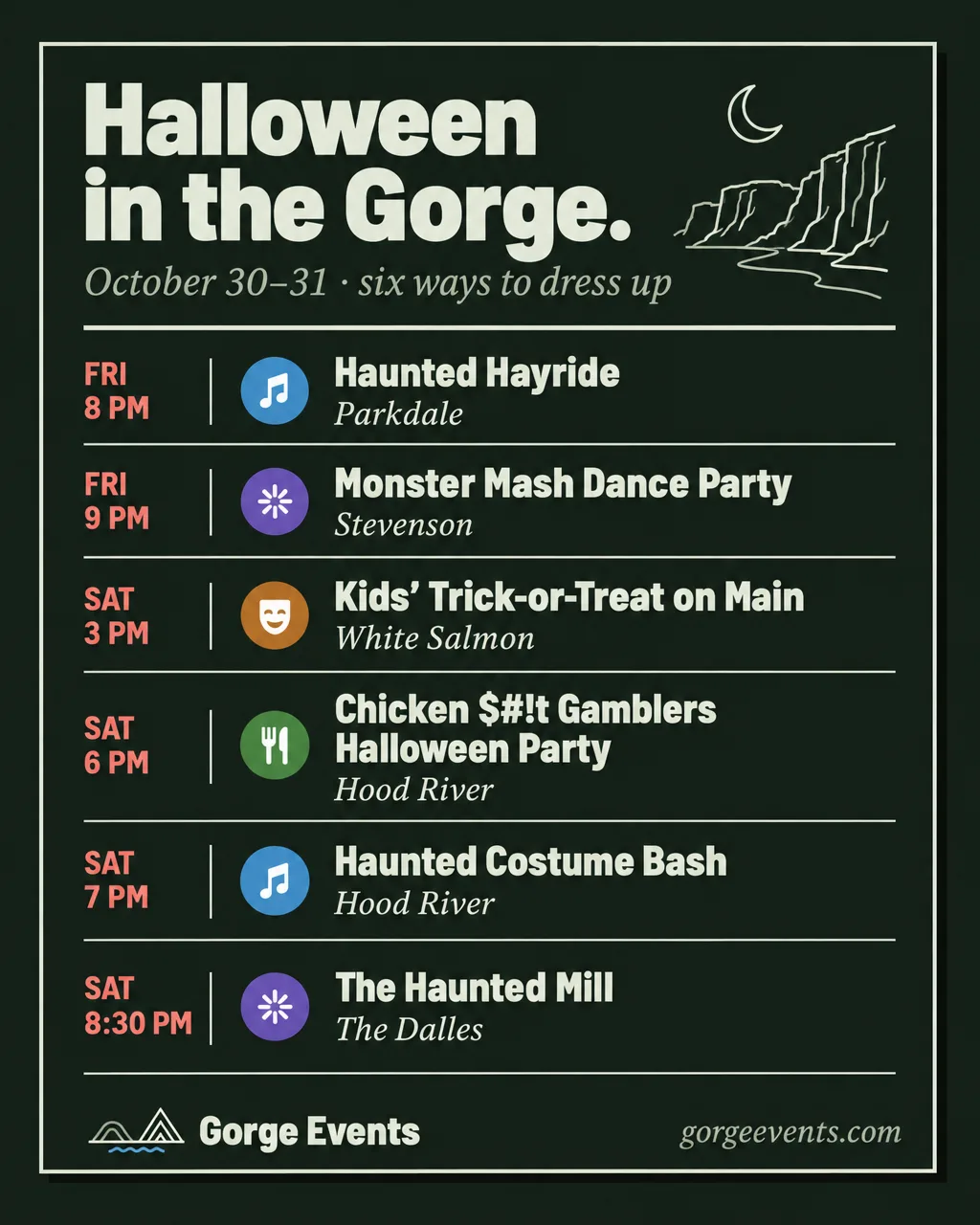
- Halloween, Fourth of July, New Year’s Eve, harvestHoliday, six events at mostOne image
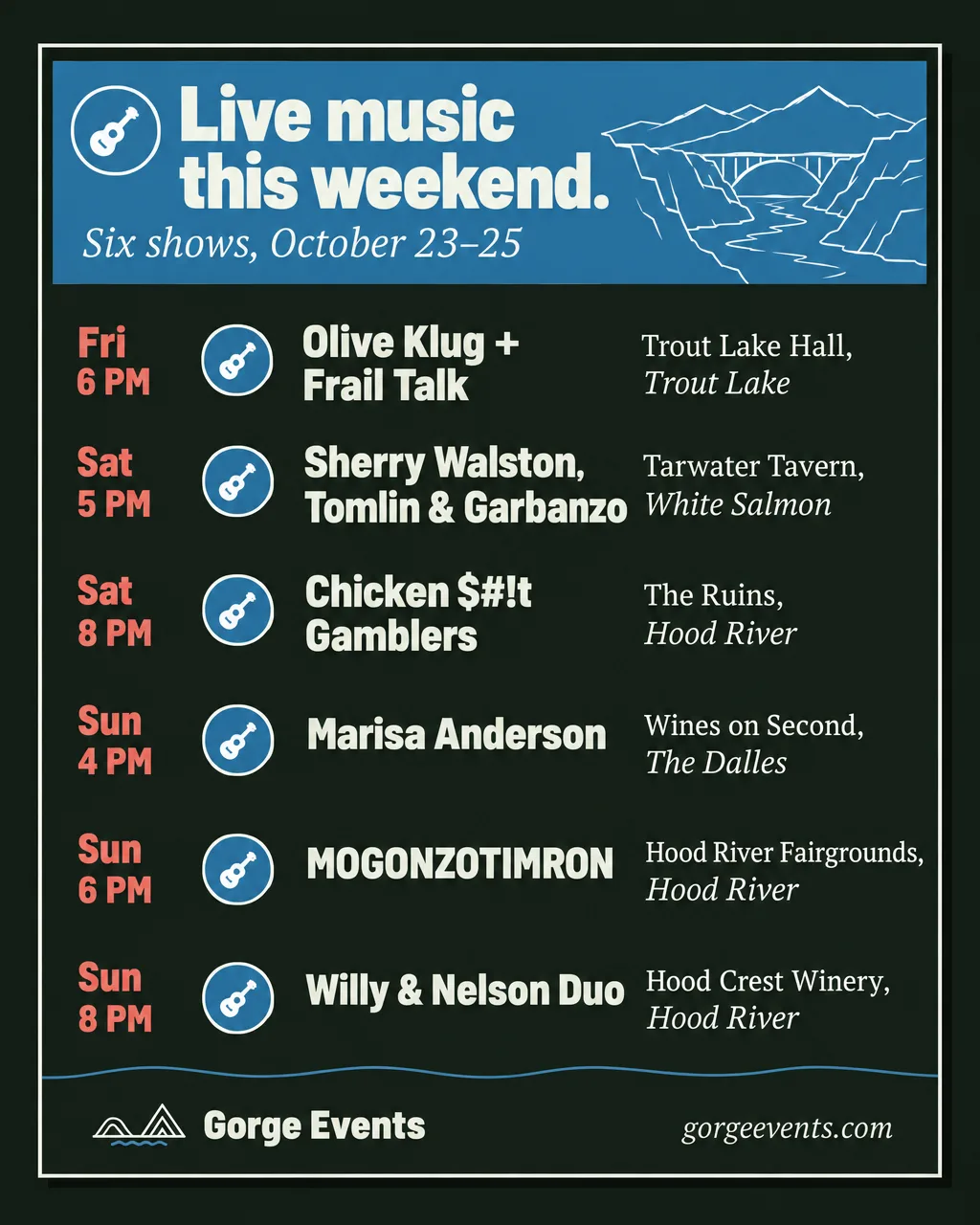
Category
A hue band, then the shows.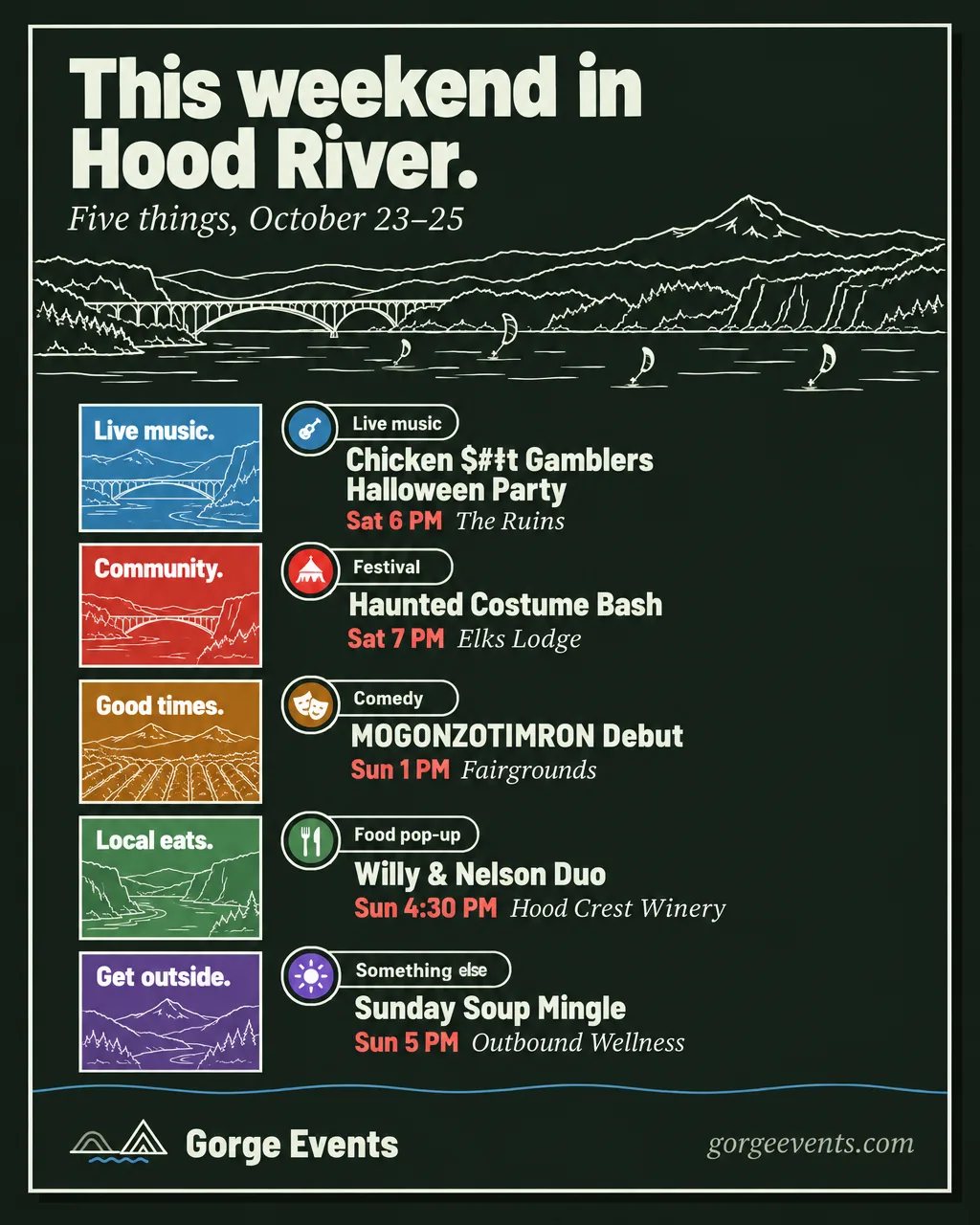
Town
The town drawn across the top.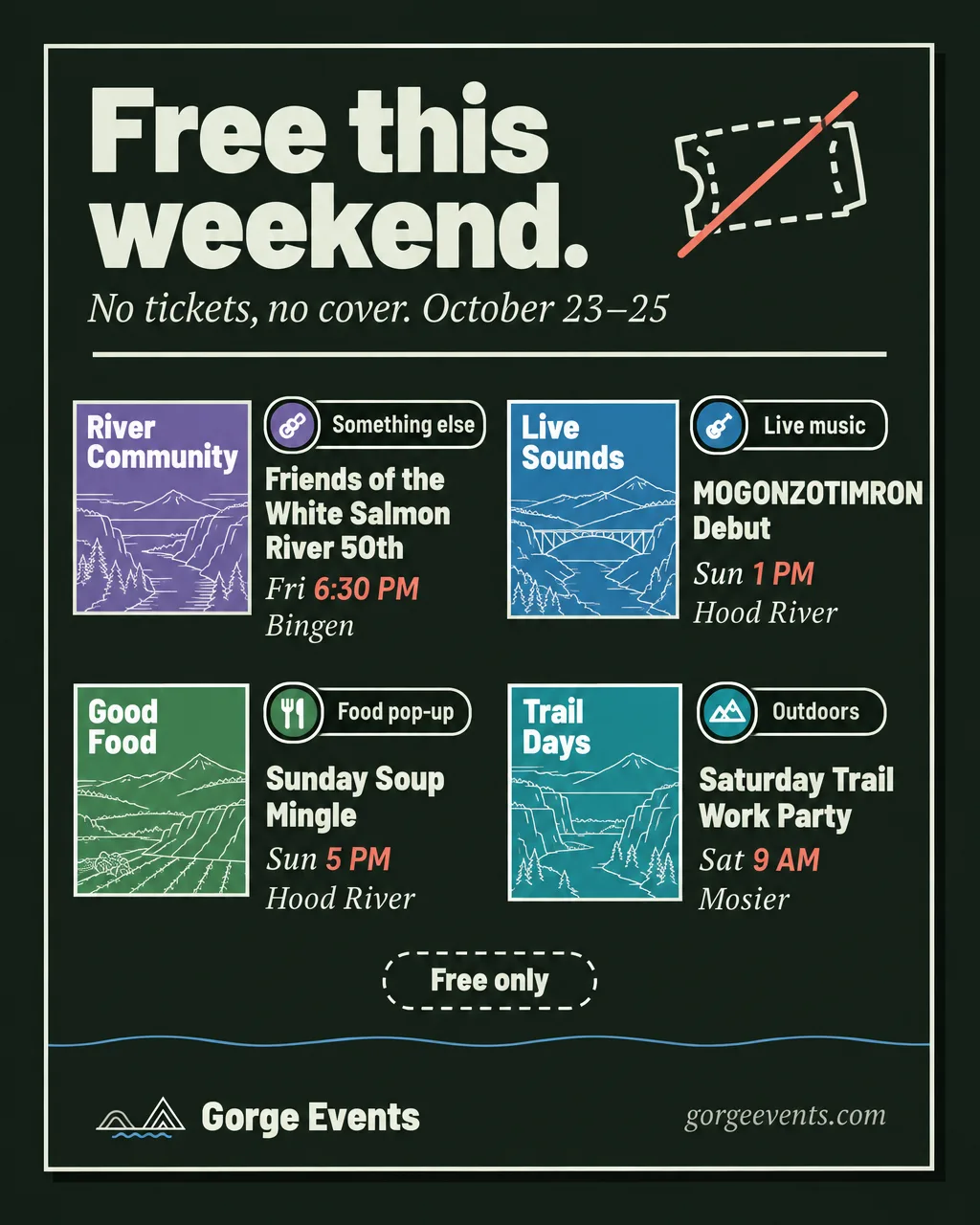
Free
The struck-through ticket.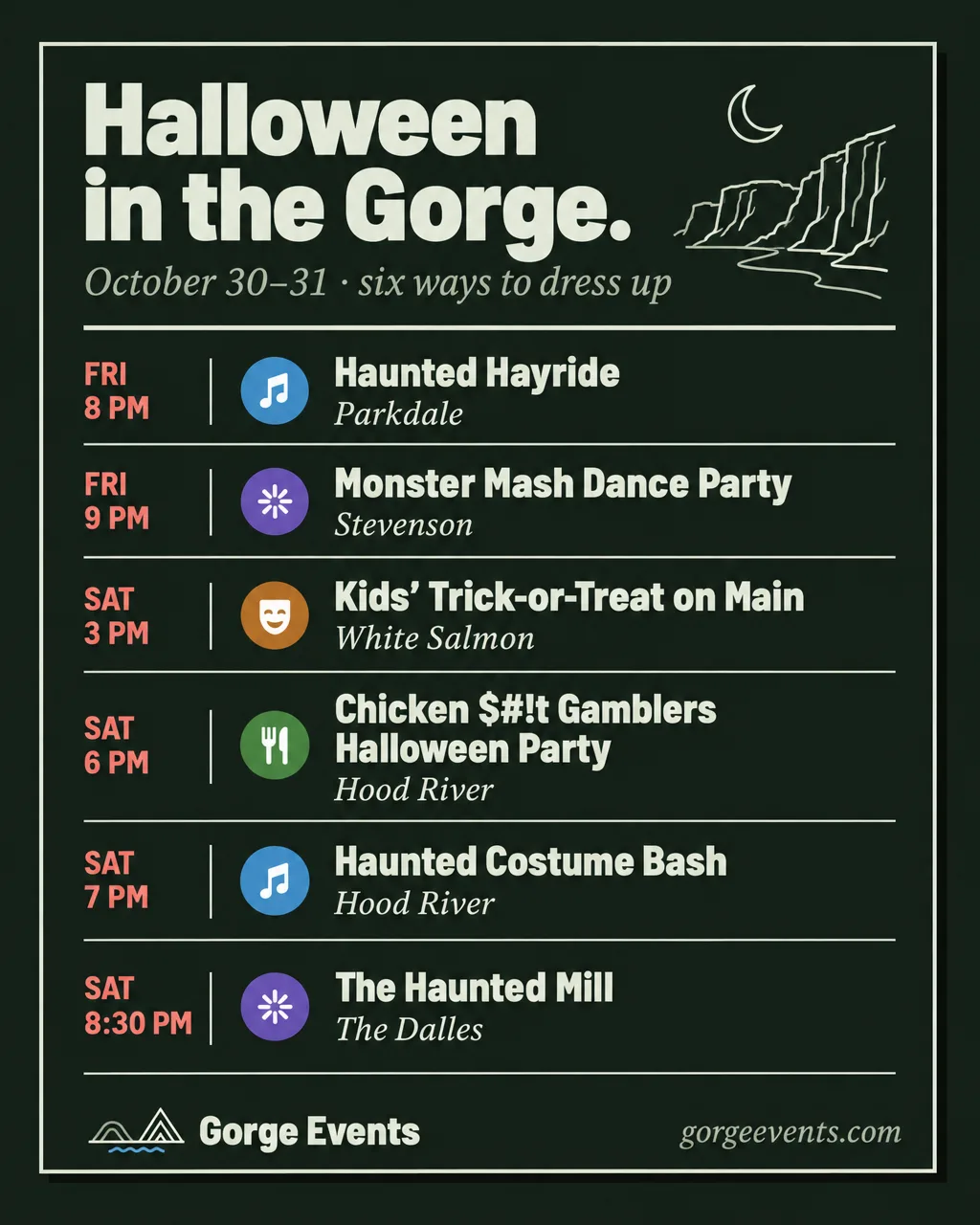
Holiday
Six rows, times first.

What each event showsCut in this order.
| Picks, single events | Lists of 5 or fewer | Lists of 6–8 | Ledger, glance | |
|---|---|---|---|---|
| Tile, the colored square with the hook | Yes | No | No | No |
| Category | Pill, disc and name | Disc | Disc | Disc |
| Name | Yes | Yes | Yes | Shortened |
| Start time | Yes | Yes | Yes | Yes |
| Venue | Yes | Yes | No | No |
| Town | Yes | Yes | Yes | Yes, except the week ledger |
- The tile goes first. A tile means “our pick”. A list never mixes tiles and plain rows, and once a day has two or more events, its tile goes.
- The start time stays. It is what people decide on. Show the start only, “6 PM”, never “6–9 PM”. All-day events read “All day”. Never share one time across a column.
- Shorten names only in the ledger. Drop “LIVE!”, “Presents:”, “Debut”, and the second act after “+” or “with”. Never shorten a pick or a day slide.
- Sold out stays listed. “Sold out” follows the town. A sold-out event is never a pick.
- The price goes in the caption. A post shows the time and the town. Tickets and prices live at gorgeevents.com and in the caption.
Picks and the swipe cueThe first slide does the work.
Choosing the picks
One pick a day on a weekend cover, four on a week cover. Never a sold-out event, a regular, or “Day 2 of 3”. In order:
- A featured event.
- An event with an owner-written hook.
- Spread the categories: no two picks in one category when another day has a choice.
- Spread the towns the same way.
- The earliest start breaks a tie.
The swipe cue
Every carousel cover, in a band right above the sign-off. A single post never carries it.
- Left: “+N more this weekend” (or “this week”) in bold, where N is the count not on the cover.
- Right: “Swipe for each day” in the serif, in trail red.
- Under both, the dashed trail-red line to the frame’s right edge, ending in an arrowhead. The kit has it as a PNG for each frame.
- Day slides carry a page marker top right, “2 / 5”, and the next day bottom right, “Sunday →”.
Type floors and capacityOn a 1080px post.
| Picks, single events | Lists, day slides | Ledger, glance | |
|---|---|---|---|
| Headline | 128px | 128px, the day name | 112px |
| Event name | 40px | 34px | 30px |
| Time and town | 30px | 28px | 26px |
- Glance: three columns, five events a column.
- Day slide with venues: five events. Without venues, in two columns: eight.
- Week ledger: seven day rows, four events a row, sixteen in all.
- Names wrap to three lines at most. A fourth line moves the post up a rung. Nothing is clipped, crosses the 48px side margin, or touches the frame.
Words and captionsFacts first.
- Headlines are short and end with a period: “This weekend.”, “The week ahead.”, “A quiet week.”, “Tonight.”, “Going fast.”, “That’s the lineup.”
- Dates under the headline in serif italic: “October 23–25 in the Gorge”.
- Days read Fri, Sat, Sun in lists and Friday, Saturday, Sunday on day slides. Never FRIDAY.
- Hooks are two or three words about this event: “Folk night.”, “Dress up.” Without an owner-written hook, use the category’s. Never filler like “Good times.”
- Status pills in sentence case: “Sold out”, “Almost gone”, “Last 20 tickets”.
The caption lists every event in the post, picks included, so people who don’t swipe still get all of it.
This weekend in the Gorge.

FRI 10/23
6 PM · Olive Klug + Frail Talk, Trout Lake Hall, Trout Lake
6 PM · Sherry Walston, Tomlin & Garbanzo, Tarwater Tavern, White Salmon

SAT 10/24
…

Every event, with tickets and directions: gorgeevents.com
Missing something? DM us.

@venuehandles
#ColumbiaRiverGorge #HoodRiver #GorgeEvents
NeverOn any layout.
- Shrink or squeeze type. No sizes under the floors, no tighter tracking, no condensing a name to fit its column. Climb a rung instead.
- Butt the time against the name. The name gets its own lines. Time and town start a new one.
- Run the trail through anything. Lists and packed posts drop the trail. The rule under the headline is solid ink. Only a carousel cover’s band carries it.
- Size tiles to their words. Every tile on a post is the same size. Hooks are two or three words and sit inside the tile.
- Sign twice. The mark signs once, at the foot, with the name. Not beside the headline.
- Swap the type. Barlow Semi Condensed and Source Serif 4 only.
- Lay art under type. Contours, figures, and town scenes sit in open ground, never behind a word.
Why it changedOctober 23–25.
The October 23–25 post put twelve events on one sheet in three columns.
- Every event carried a category label, name, time, venue, and town, so one event ran five or six lines and Sunday ran past the other days.
- Category labels were the smallest type on the sheet, and color alone told them apart.
- There was no pick to draw the eye, and no count or cue said the caption held more.
- The typeface was not the site’s.
Under this playbook it becomes a five-slide carousel: the picks cover, Friday (3), Saturday (5), Sunday (4), and the closing slide.
The comps are image-model renders, anchored on the kit’s own posts. They set composition, density, and hierarchy, not pixels: some category colors and icons are wrong, and a few listings are invented to show scale. Real posts are built from the site’s own tiles, glyphs, figures, and town drawings, with real events.